Quick verdict: Manychat is one of the most practical automation platforms for small businesses that sell, book calls, answer questions, or capture leads inside social messaging channels. If your audience already talks to you through Instagram comments, DMs, WhatsApp, TikTok, Messenger, SMS, or email, Manychat gives you a faster way to turn those conversations into tagged contacts, automated follow-ups, and measurable sales paths. It is not a full CRM, support desk, or email marketing suite for every business, but for social-first brands it can remove a lot of repetitive inbox work.
Try Manychat Compare email automation tools
What is Manychat?
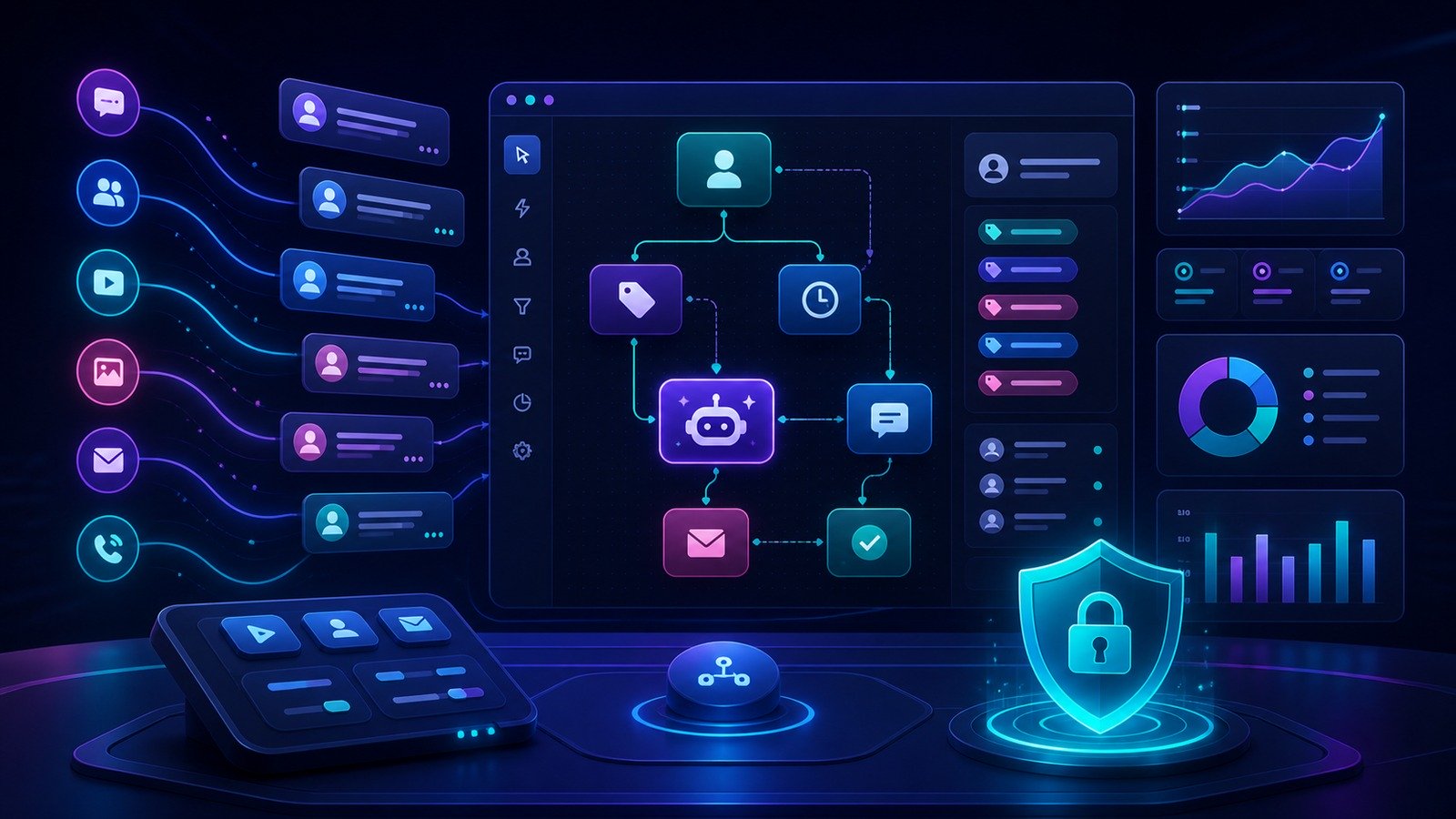
Manychat is a chat marketing and messaging automation platform built around conversations that start on social and messaging channels. Its public positioning is straightforward: help users sell more, engage better, and grow their audience with automations for Instagram, WhatsApp, TikTok, Messenger, SMS, and email. In practice, that means a business can respond to comments, trigger private messages, qualify leads, collect contact information, deliver links or offers, route conversations to a team inbox, and follow up with broadcasts or automations.
That focus matters because small businesses increasingly receive buying signals in scattered places. A prospect comments on a reel, another asks a price question in a DM, a third replies through WhatsApp, and an existing customer sends a support question through Messenger. Without a system, the owner or marketing assistant ends up copy-pasting the same answer, missing urgent leads, and losing context. Manychat tries to bring those interactions into a structured workflow without requiring a developer.
The product is especially relevant for businesses where social content drives demand: creator-led brands, ecommerce stores, digital-product sellers, coaches, clinics, local services, restaurants, events, community businesses, and agencies managing engagement for clients. It is less compelling for companies whose demand is mostly search, outbound sales, or enterprise procurement, because those teams may get more from a CRM, helpdesk, or marketing automation platform with deeper account management.
Who Manychat is best for
Manychat is a good fit when your marketing already creates conversations. If you post short-form videos, run giveaways, sell from comments, promote lead magnets, answer product questions in DMs, or use WhatsApp as a sales channel, the platform can help you scale those interactions without hiring a full-time inbox operator.
- Instagram and TikTok sellers can turn comments, story mentions, or DMs into private message flows and lead capture.
- Small ecommerce brands can use automations for FAQs, links, offers, product education, and post-engagement follow-up.
- Coaches and course creators can deliver lead magnets, collect emails or phone numbers, and segment prospects by interest.
- Local service businesses can answer common booking questions, qualify prospects, and move serious inquiries to a human.
- Agencies can build repeatable automation templates for clients whose growth depends on social engagement.
The biggest advantage is speed. A simple keyword reply or comment-triggered DM can go live faster than a custom chatbot project, and the no-code flow builder makes it possible for a marketer to build paths that would normally need a developer or integrations specialist.
Who should probably skip it
Manychat is not the right first tool for every business. If your core need is long-form newsletters, advanced email deliverability management, B2B pipeline forecasting, ticketing SLAs, or deep account-based sales workflows, you may want a dedicated platform first. Manychat includes email and SMS as channels on higher tiers, but its center of gravity is messaging automation and social conversations, not replacing a complete email service provider or CRM.
It also requires thoughtful governance. Automated replies can improve response time, but they can also annoy customers if every comment triggers a generic message. Channel rules and user expectations differ across Instagram, WhatsApp, TikTok, Messenger, SMS, and email. Businesses should build consent, frequency limits, escalation paths, and a human fallback into their flows from the beginning.
Manychat features that matter most
1. Comment-to-DM and social engagement automation
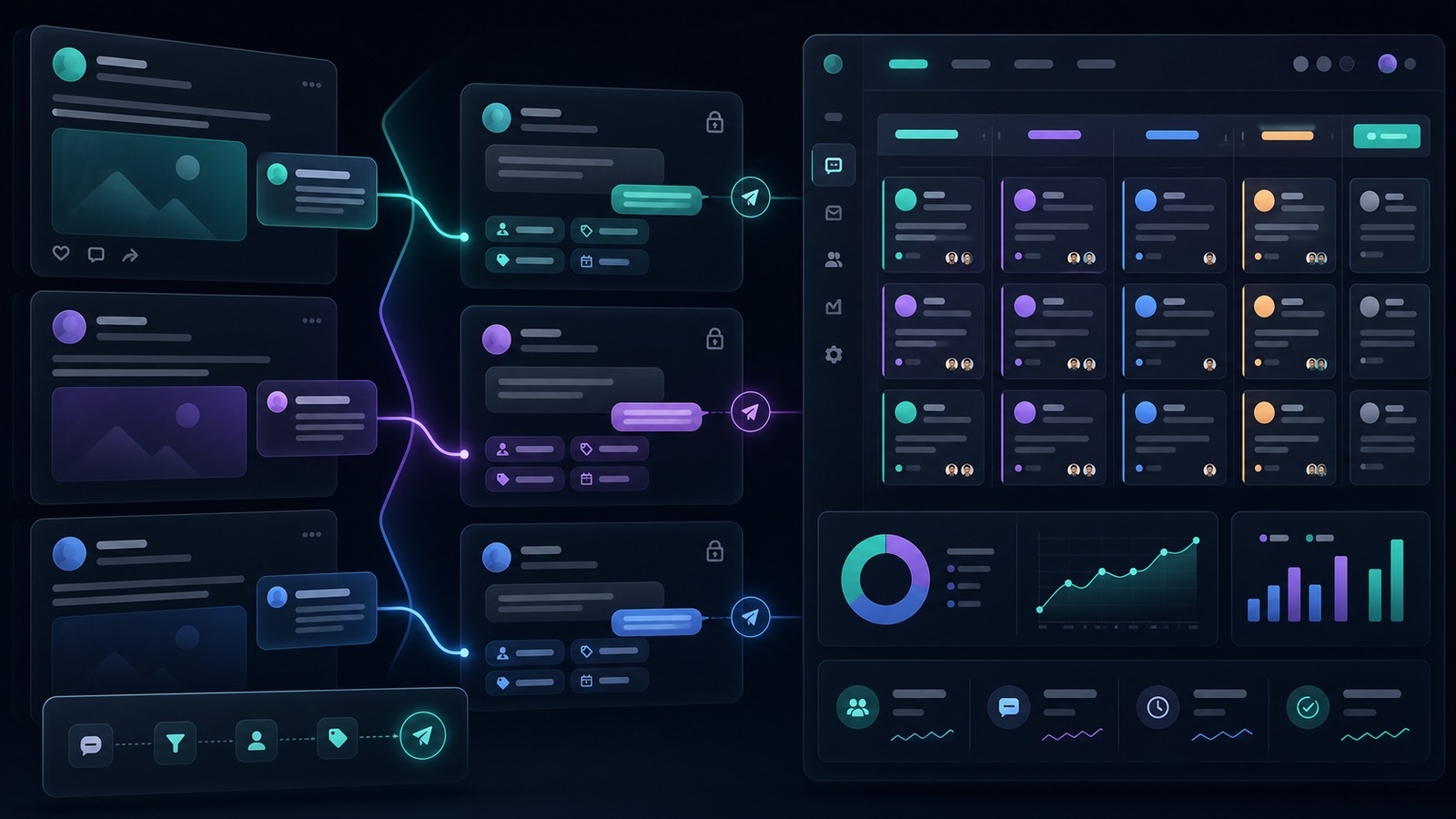
Manychat’s most obvious use case is turning public engagement into private conversations. A business can create automations that respond to comments, greet new followers, share links, answer common questions, or move a person into a more personalized flow. This is valuable because public engagement is often high-intent but fleeting. Someone asks “price?” or “send me the link” because they are interested now; if the business answers six hours later, the moment may be gone.
The practical workflow is simple: define a trigger, build a reply path, tag or segment the contact, and decide when a human should step in. Done well, this does not replace the relationship; it removes repetitive friction so the human team can focus on serious conversations.
2. No-code flow builder
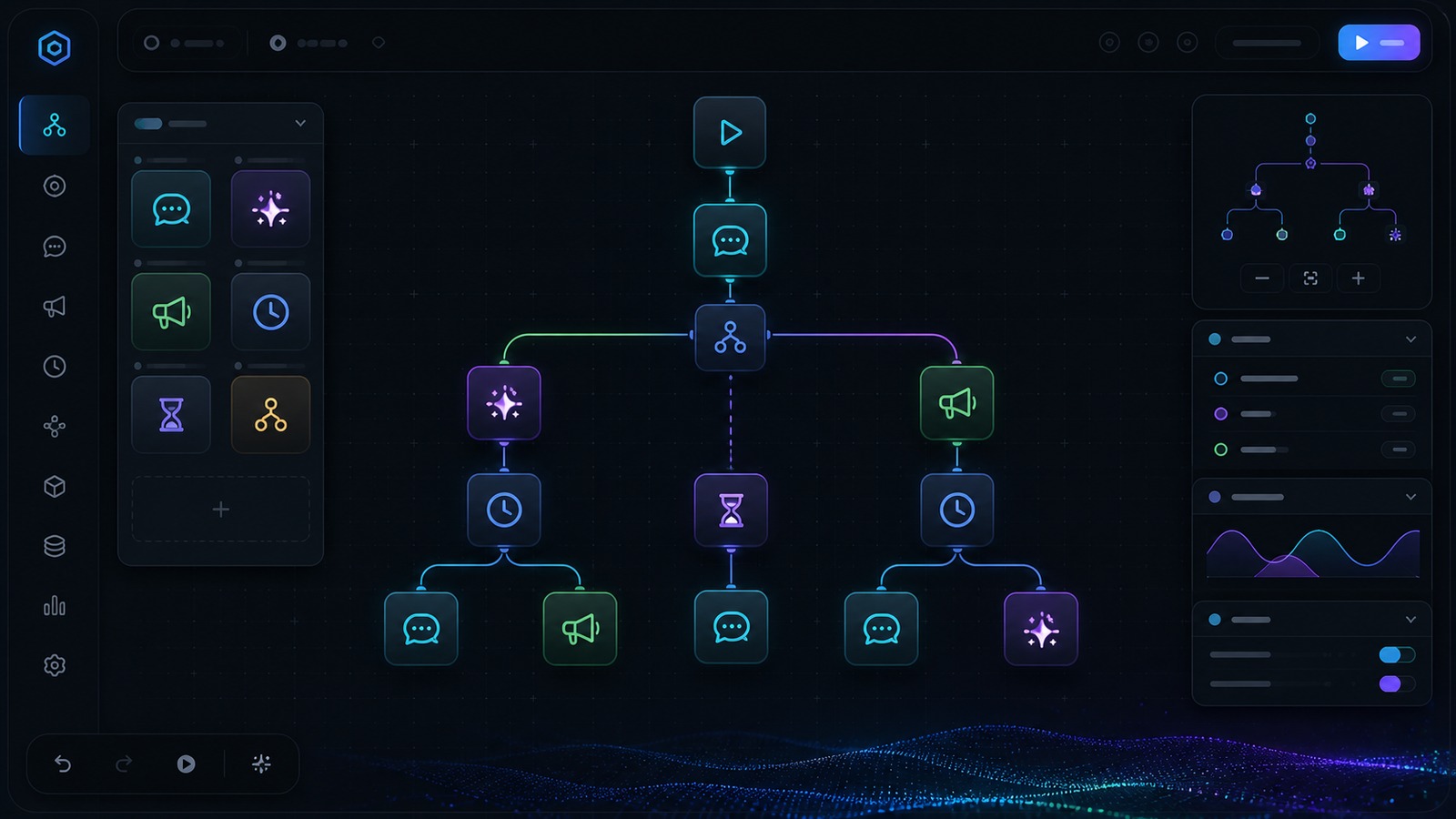
Manychat’s flow-builder approach lets non-technical teams map conversation logic visually. The official site describes quick automations, custom flows, and templates for use cases such as welcoming followers, automating FAQs, sending links from comments, collecting email or phone numbers, and running giveaways. That is exactly the type of work small teams usually struggle to operationalize because it sits between marketing, sales, and support.
A good flow is not just a chatbot script. It should include qualification, segmentation, fail-safes, human handoff, and a clear next step. For example, a course creator might trigger a DM when someone comments “guide,” ask one qualifying question, send the free resource, collect an email address, tag the subscriber as interested in a specific topic, and notify the team if the person asks about pricing. That sequence turns a public comment into a measurable lead journey.
3. Multi-channel messaging
Manychat supports a set of channels that match how small businesses actually communicate online. Its public pages reference Instagram, WhatsApp, TikTok, Facebook Messenger, Telegram, SMS, and email, with plan limits determining how many channels can be connected. The Free and Essential plans currently list any two connected channels from Instagram, TikTok, Messenger, or Telegram. Pro lists any three channels from Instagram, TikTok, Messenger, WhatsApp, Telegram, SMS, and email. Business and Advanced list unlimited channels.
This plan structure makes Manychat feel modular: a creator may start with Instagram and TikTok, while a business with higher operational complexity may connect WhatsApp, Messenger, SMS, and email. The trade-off is that you should map your actual channel strategy before upgrading. Paying for more channels is only useful if those channels are active, staffed, and connected to a real conversion path.
4. AI-assisted conversations
Manychat’s current pricing page describes AI-powered conversations on Pro and above, including the ability to teach AI about your business and tone of voice so it can respond to DMs, answer FAQs, reply to positive comments, and guide conversations toward goals. That can be useful for high-volume inboxes, but it should be deployed carefully. AI can speed up common replies, but businesses should still review sensitive claims, pricing answers, refunds, policies, health/legal/financial topics, and any conversation where a wrong answer could create risk.
For a small team, the right mental model is “AI assistant with guardrails,” not “fully autonomous salesperson.” Use it for repetitive low-risk answers first. Keep policies documented. Give the human team a way to audit conversations. Make escalation obvious when someone asks a complex or emotional question.
5. Unified inbox, tags, and team workflow
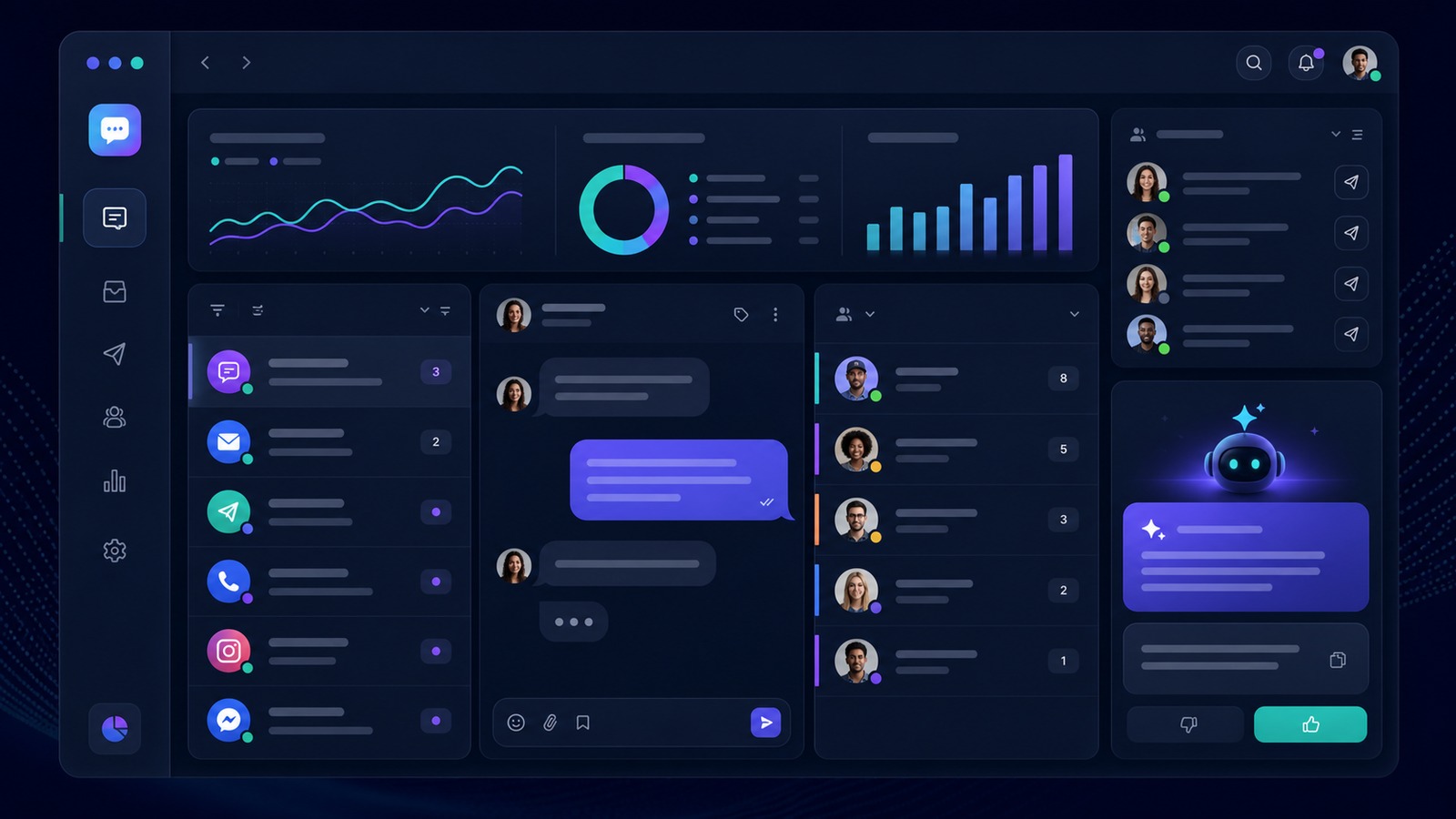
Manychat also matters operationally because it can organize conversations instead of leaving them buried in separate app inboxes. The pricing page describes a basic unified inbox on Free, organization and reminders on Essential, custom inbox labels and rules on Pro, shared team inbox and assignments on Business, and more seats on Advanced. For a solo creator, that may simply mean less chaos. For a small team, it can mean proper assignment, follow-up, and accountability.
This is one of the strongest reasons to consider Manychat if social messaging is already a sales or support channel. Automations bring people in, but the inbox determines whether human follow-up actually happens. Tags and labels can separate leads, customers, VIPs, giveaway entrants, affiliate prospects, booking inquiries, and support issues.
6. Broadcasts and follow-up
On higher plans, Manychat positions broadcasts as a way to proactively reach audiences through supported messaging channels. This can be powerful, especially when social algorithms are unreliable. However, broadcasts are also where restraint matters most. A business should use segmentation, consent, and relevance rather than blasting every contact. The goal is to continue a useful conversation, not turn private messaging into another spam channel.
Manychat pricing in 2026: what the current public plans say
At the time of writing, Manychat’s pricing page lists a Free plan and paid plans that scale by active contacts, features, channels, users, and support. Pricing can vary by billing country and the final price may appear at checkout, so readers should verify the live pricing page before buying. The public annual pricing view currently shows these entry points:
| Plan | Current public starting point | Best fit |
|---|---|---|
| Free | $0; 25 active contacts per month; basic automations; 1 user; basic unified inbox; self-serve support; Manychat branding | Testing simple automations before committing |
| Essential | From $14/month billed annually; 250 active contacts included; unlimited custom automations; 2 users; basic inbox organization; no Manychat branding | Creators and small brands ready to automate core flows |
| Pro | From $29/month billed annually; 2,500 active contacts included; 3 users; advanced automations, broadcasts, AI-powered conversations, custom inbox labels/rules | Most serious small-business use cases |
| Business | From $69/month billed annually; 7,500 active contacts included; unlimited channels; 5 users; shared team inbox and assignments; priority support | Teams with multi-channel messaging and handoff needs |
| Advanced | From $139/month billed annually; 25,000 active contacts included; unlimited channels; 10 users; more inbox seats and priority support | Higher-volume operators and agencies |
The most important pricing detail is the active-contact model. A contact counts as active when messages are sent or received through Manychat via automations, AI, broadcasts, or the inbox. If you run viral campaigns or broad broadcasts, costs can rise with engagement. That is not a flaw if the automations generate revenue, but it means businesses should track conversion value, not just subscriber growth.
Day-to-day workflow: how a small business would use Manychat
A realistic Manychat workflow starts with one high-value conversation, not a giant automation map. For example, a small ecommerce brand might create an Instagram post about a new product and invite people to comment a keyword for a sizing guide. Manychat sends the guide in a DM, asks whether the person wants a discount reminder, tags them by product interest, and routes questions about shipping to a human. Later, the business sends a segmented follow-up to people who requested the guide but did not buy.
A coach might use it differently. A reel offers a free checklist. Commenters receive a DM with the checklist, answer one qualifying question, and choose whether to book a call. People who are not ready get tagged for educational follow-up. People who ask about price get a human reply. The automation is valuable because it captures demand while the prospect is engaged.
An agency could templatize these flows across clients: giveaway flow, lead magnet flow, appointment-booking flow, abandoned-question flow, FAQ flow, launch waitlist flow, and post-purchase education flow. The repeatability is what makes Manychat commercially interesting for service providers.
Security, privacy, and compliance considerations
Because Manychat touches messaging channels and customer conversations, businesses should treat it as part of their customer-data stack. The public site says Manychat is an Official Meta Business Partner and TikTok Marketing Partner, which is reassuring from an ecosystem-access perspective. Still, every business remains responsible for how it collects consent, stores contact data, sends messages, and escalates sensitive conversations.
Practical safeguards include limiting admin access, using role-based permissions where available, documenting approved replies, avoiding sensitive data collection in DMs, keeping opt-in language clear, reviewing broadcast frequency, and setting human review for refund, policy, legal, medical, financial, or high-risk claims. If you operate in a regulated niche, have your compliance lead review workflows before they go live.
Small teams should also avoid connecting every channel on day one. Start with the channel where demand is already strongest, prove the flow, then expand. More channels create more operational surface area. Good automation reduces risk by standardizing repetitive replies; bad automation multiplies risk by sending the wrong message faster.
Pros and cons
Pros
- Excellent fit for social-first lead capture. Comment-to-DM and private-message flows map directly to how creators and small businesses generate demand.
- No-code automation builder. Marketers can build practical flows without waiting on engineering resources.
- Strong channel coverage. Instagram, TikTok, Messenger, WhatsApp, Telegram, SMS, and email coverage makes it useful for businesses that talk to customers in multiple places.
- Useful inbox organization. Tags, labels, reminders, and team assignment features help turn automation into actual follow-up.
- AI can reduce repetitive replies. Pro and higher plans can use AI-powered conversations for common questions and positive-comment replies.
- Free plan and trials lower the test barrier. Small teams can validate one flow before committing to higher usage.
Cons
- Not a replacement for every marketing platform. Businesses still may need a dedicated CRM, email service provider, ecommerce platform, or helpdesk.
- Costs scale with active contacts. Viral engagement is good, but it should be connected to measurable revenue or lead value.
- Automation quality depends on strategy. Generic flows can annoy customers and damage trust.
- Channel rules matter. Messaging platforms have policies, opt-in expectations, and feature limits that can affect campaigns.
- AI needs guardrails. Businesses should not let AI answer sensitive or policy-heavy questions without review.
Manychat alternatives and comparison angle
If you are comparing Manychat, the right alternative depends on the job. For classic email marketing, look at tools such as AWeber, Moosend, Mailchimp, or ConvertKit-style platforms. For customer support, compare helpdesks and live chat tools. For CRM-driven sales, compare Close, Pipedrive, HubSpot, or similar systems. For social listening and reputation monitoring, compare tools like Brand24 or broader analytics suites.
Manychat wins when the buyer journey starts in social comments and private messaging. It is less likely to win when the core requirement is long nurture newsletters, complex B2B deal management, ticket routing, or website live chat. That distinction keeps expectations fair: Manychat is best treated as a social messaging automation layer that can integrate with the rest of the stack, not the entire stack by itself.
For broader context, CyberTrendLab recently compared email marketing automation tools for small businesses, marketing analytics tools for agencies, and CRM options for sales teams. Manychat sits next to those categories: it captures and manages conversational demand before those leads move deeper into email, analytics, or sales systems.
Where Manychat fits in a small-business tech stack
The cleanest stack position for Manychat is at the edge of demand capture. Social content and ads create attention; Manychat converts that attention into a tagged conversation; the CRM, email platform, ecommerce platform, booking system, or analytics tool handles the next stage. This is why Manychat pairs naturally with email automation and CRM software rather than replacing them. A buyer might first ask for a link in a comment, receive a DM, join an email list, book a consultation, and then get tracked in a sales pipeline.
For ecommerce, Manychat can sit between product discovery and the store. For agencies, it can sit between a client’s social content and the reporting dashboard. For service businesses, it can sit between an inquiry and the booking page. The key is to define the handoff. If every Manychat flow ends in a dead-end message, the platform becomes a nicer autoresponder. If flows hand off to a relevant offer, calendar, product page, email sequence, or human teammate, the automation becomes part of revenue operations.
That also affects how to measure ROI. Do not judge Manychat only by the number of contacts captured. Track how many qualified conversations it starts, how many bookings it influences, how many product clicks it creates, and how much manual reply time it saves. If a flow generates many contacts but no meaningful next step, rewrite the offer or tighten the targeting before scaling broadcasts.
Setup tips before you launch
- Pick one conversion goal. Examples: send a product link, deliver a lead magnet, book a call, answer a pricing question, or route support.
- Start with one channel. Choose the place where people already message you most often.
- Write the human fallback first. Decide which phrases, questions, or tags should notify a real person.
- Use tags intentionally. Tag by interest, funnel stage, source, and customer status rather than creating dozens of vague labels.
- Measure outcomes. Track leads captured, sales conversations started, bookings, revenue, unsubscribe/opt-out rates, and manual time saved.
- Audit flows monthly. Update outdated offers, pricing language, links, and FAQ answers.
Final verdict: is Manychat worth it?
Manychat is worth serious consideration if social messaging is already part of your revenue engine. Its biggest strength is turning high-intent engagement into private, automated, organized follow-up. For creators, ecommerce brands, coaches, local businesses, and agencies, that can translate into faster responses, cleaner lead capture, and more consistent sales conversations.
The platform is not magic. It will not fix weak offers, low-quality content, unclear positioning, or a team that never follows up. It also should not be used to blast people with irrelevant messages. But if you already have demand in comments and DMs, Manychat gives you the infrastructure to capture it more reliably.
My practical recommendation: test Manychat with one revenue-linked flow before building a large automation system. If that flow captures leads, answers common questions, or drives measurable sales without hurting the customer experience, the paid plans become easier to justify. If your audience does not engage through social messaging yet, build that channel first or choose a different marketing platform.
FAQ
Is Manychat only for Instagram?
No. Manychat’s public pages reference Instagram, WhatsApp, TikTok, Messenger, Telegram, SMS, and email, though plan limits determine which and how many channels you can connect.
Does Manychat have a free plan?
Yes. At the time of writing, the Free plan is listed at $0 with 25 active contacts per month, basic automations, one user, a basic unified inbox, and Manychat branding.
Which Manychat plan is best for a small business?
Many serious small-business use cases will likely start evaluating Essential or Pro. Essential adds unlimited custom automations and removes branding. Pro adds more active contacts, AI-powered conversations, broadcasts, custom inbox labels/rules, and more channel options. Verify current plan details before buying.
Can Manychat replace my email marketing tool?
Usually not by itself. Manychat can include email as a messaging channel on certain plans, but businesses that need advanced newsletters, segmentation, templates, deliverability controls, and long-form email campaigns may still want a dedicated email marketing platform.
Is Manychat safe to use with AI replies?
AI replies can be useful for common questions, but businesses should add guardrails. Avoid letting AI handle sensitive claims, refunds, legal/medical/financial topics, or policy-heavy answers without human review.
What is the best first automation to build in Manychat?
Start with a single, measurable flow: comment keyword to DM, lead magnet delivery, FAQ answer with human handoff, booking qualification, or product link delivery. Avoid building a complicated funnel before one simple flow proves value.
Disclosure: CyberTrendLab may earn a commission if you buy through the Manychat link in this review, at no extra cost to you. Our reviews are written to be useful and factual; affiliate relationships do not determine our editorial verdict.