Small businesses used to treat API keys like developer clutter: a few tokens in a password manager, a few values in a .env file, and a few emergency credentials buried in CI/CD settings. That model breaks quickly once a team has cloud apps, contractors, AI agents, webhooks, automations, and customer data moving between systems.
The best secrets management tools solve a specific operational problem: they give teams one controlled place to store sensitive credentials, inject them into workflows, rotate them when risk changes, and prove who or what accessed them. For a small business, the right answer is not always the most enterprise-heavy vault. It is the tool your team can actually maintain without turning every deploy into a security project.
This guide compares practical options for 2026: developer-first platforms such as Doppler and Infisical, password-manager-connected secrets workflows from 1Password, cloud-native tools from AWS and Google Cloud, and enterprise-grade HashiCorp Vault for teams that truly need it.
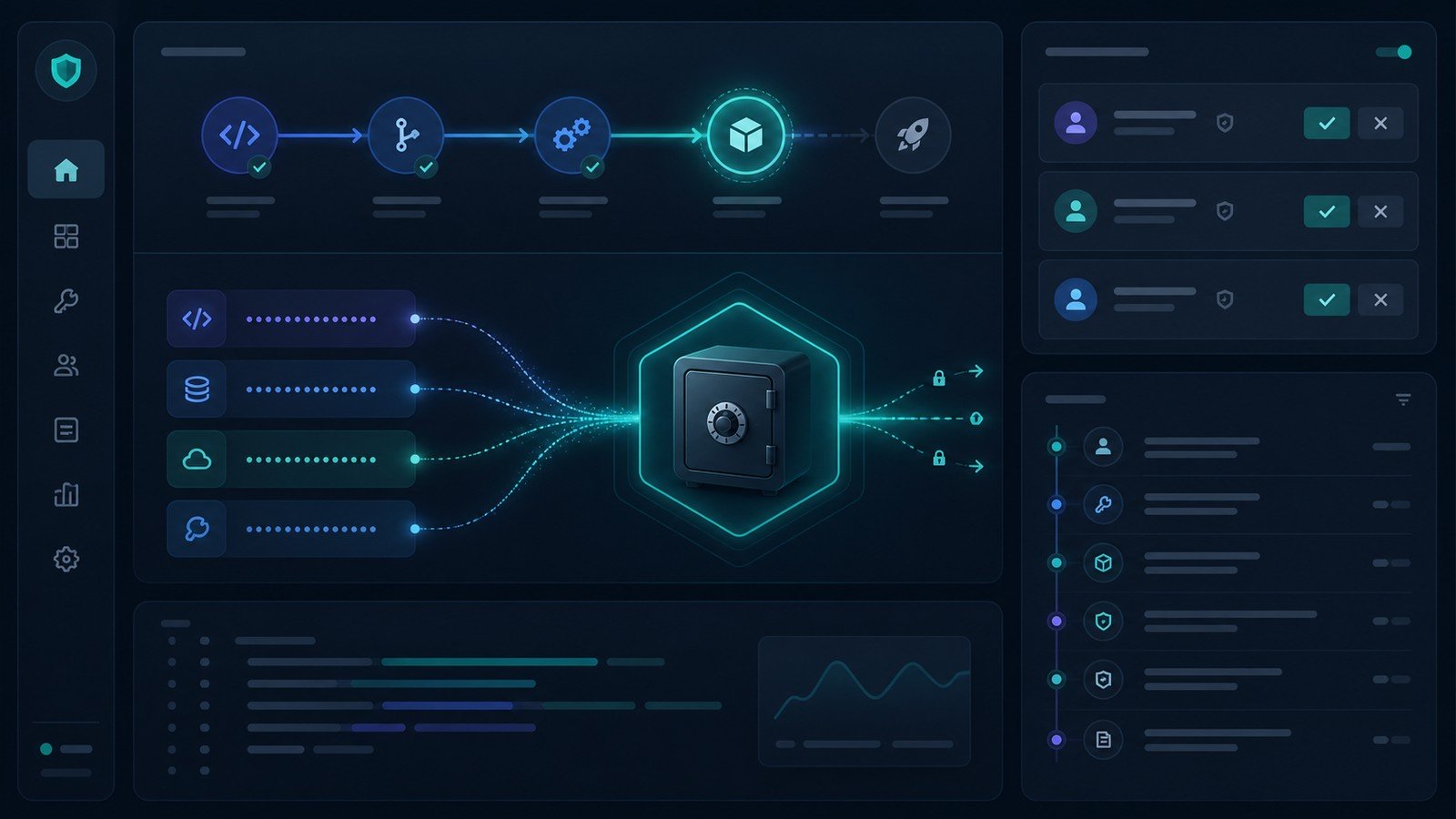
| Tool | Best fit | Watch-out |
|---|---|---|
| Doppler | Developer teams, CI/CD, AI-agent secrets, multi-environment apps | Team features cost more than a basic password vault |
| 1Password Secrets Management | Teams already using 1Password that want developer secrets plus human credentials | May be less specialized than a dedicated DevOps secrets platform |
| Infisical | Open-source-friendly teams that want cloud or self-hosting | Identity-based billing can scale with machines as well as humans |
| AWS Secrets Manager | AWS-native applications, RDS rotation, simple per-secret pricing | Less convenient if your stack is not mostly AWS |
| Google Secret Manager | Google Cloud and Cloud Run teams that want IAM-native controls | Cloud-specific, so cross-cloud teams may need another layer |
| HashiCorp Vault / HCP Vault Dedicated | Regulated or infrastructure-heavy teams needing policy depth and dynamic secrets | Operationally heavier and often overkill for simple SaaS teams |
How to choose a secrets manager as a small business
Start with the workflow, not the logo. A five-person team shipping a Rails app, a WordPress site, and a handful of automations has different needs from a 40-person SaaS team with Kubernetes, SOC 2 pressure, multiple environments, and AI agents calling internal tools.
Use four questions:
- Where do secrets currently leak? Look for local
.envfiles, CI variables with broad permissions, shared spreadsheets, copied API keys in Slack, contractor accounts, and tokens that nobody can confidently rotate. - Who or what needs access? Humans, GitHub Actions, deployment servers, AI agents, MCP servers, support automations, and cloud functions should not all share the same long-lived key.
- How often will you rotate? If rotation is rare and manual, a lightweight tool may be fine. If rotation is part of compliance or production reliability, prioritize automation.
- Which platform already owns identity? If AWS IAM, Google Cloud IAM, Okta, Entra ID, or 1Password already controls most access, a secrets tool that fits that identity layer will be easier to adopt.
1. Doppler: best overall developer-first secrets manager
Doppler is built around centralized secrets for developers, apps, automated workflows, and increasingly AI agents. Its current positioning emphasizes humans and non-human identities, cloud or on-prem deployment, native integrations across cloud platforms, Kubernetes, CI/CD, webhooks and SDKs, plus auditability.
The strongest reason to consider Doppler is operational clarity. A small business can organize secrets by project and environment, sync values into the systems that need them, and give developers a workflow that is cleaner than copying values between local files and CI/CD dashboards.
Doppler’s pricing page currently lists a Developer tier that is free for three users with additional users at $8/month, a Team plan at $21/month per user with a 14-day trial, and custom Enterprise pricing. The Team plan includes role-based access controls, SAML SSO, service accounts, change requests, automatic secret rotation, trusted IPs, 90 days of activity logs, and higher config sync limits. Additional Team add-ons are listed for custom roles, user groups, and integration syncs.
Best for: app teams that want a purpose-built secrets platform without taking on the operating burden of Vault on day one.
Skip if: your secrets are almost entirely inside one cloud provider and you do not need cross-platform developer workflows.
2. 1Password Secrets Management: best for teams already standardizing on 1Password
Many small businesses already use 1Password for employee passwords, shared vaults, SSH keys, and recovery workflows. 1Password Secrets Management extends that familiar security model into developer secrets, service accounts, CLI workflows, SDKs, CI/CD pipelines, and infrastructure access.
1Password says teams can store API tokens, SSH keys, database credentials, cloud provider keys, and other sensitive credentials in encrypted vaults, then fetch them into applications, CLI tools, and pipelines. Its documentation also describes service accounts and 1Password Connect as two paths for automation. The practical advantage is consolidation: fewer places to train employees, fewer separate access reviews, and a single human-password-plus-developer-secret story for smaller teams.
If your company already trusts 1Password, this can be a low-friction upgrade from “the API keys are in someone’s private vault” to a controlled secrets workflow. It is especially attractive for teams that want central storage, shared environments, and audit-ready access without standing up separate secrets infrastructure.
Try 1Password for secure team credentials
Best for: small teams that already use 1Password and want a practical bridge between employee password management and developer secrets.
Skip if: you need a deeply specialized DevOps secrets platform with complex dynamic-secret policies across many infrastructure targets.

3. Infisical: best open-source secrets-management option
Infisical is a strong fit for teams that care about open-source infrastructure, self-hosting options, and a dedicated secrets platform. Its pricing page says the core is MIT-licensed and free to self-host, while Infisical Cloud can be used as a managed service.
The current Secrets Management pricing model is identity-based, counting both human users and machine identities. Infisical lists a Free plan with five identities, unlimited projects, three environments, and ten secret syncs. Pro is listed at $20 per identity per month annually, or $23 monthly, with SAML SSO, secret versioning, point-in-time recovery, rotation for public databases, IP allowlisting, and 30-day audit retention. Advanced adds dynamic secrets, gateways, full secret rotation, custom roles, temporary access, SSO/MFA enforcement, and 90-day audit retention. Enterprise adds items such as SCIM, LDAP, approval workflows, audit log streaming, external KMS/HSM options, and a 99.99% SLA.
The tradeoff is billing and ownership. A developer-first team may like the open-source posture and self-hosting path, but machine identities can matter when estimating cost. Count CI/CD pipelines, deploy agents, backend services, scheduled jobs, and AI agents before deciding the plan is cheap or expensive.
Best for: security-conscious teams that want an open-source-centered secrets platform with serious paid upgrade paths.
Skip if: you want the simplest possible setup and do not have someone comfortable owning a developer-security platform.
4. AWS Secrets Manager: best for AWS-native apps
AWS Secrets Manager is often the cleanest choice when your production stack already lives in AWS. It stores and retrieves secrets, supports rotation workflows, and integrates naturally with IAM and AWS services. AWS’s pricing page says billing is based on the number of secrets stored and API calls made, with no upfront costs or long-term contracts.
At the time of writing, AWS lists pricing at $0.40 per secret per month and $0.05 per 10,000 API calls, with examples showing how costs scale from a small production web application to high-volume secret/token use. The important point for a small business is that ordinary app-secret usage can be inexpensive, but short-lived high-volume token patterns can cost much more if you store millions of ephemeral values.
AWS Secrets Manager is not always the best employee-facing secrets tool. It shines when developers and workloads are already using AWS IAM, RDS, Lambda, ECS, EKS, or CloudFormation/Terraform patterns. If your team is mostly SaaS tools plus one small VPS, it may feel too cloud-specific.
Best for: AWS-heavy teams that want cloud-native access control, rotation, and infrastructure integration.
Skip if: your business is multi-cloud, mostly no-code/SaaS, or needs a friendlier shared workflow for non-AWS users.
5. Google Secret Manager: best for Google Cloud and Cloud Run teams
Google Secret Manager is the natural equivalent for teams building on Google Cloud. Google describes it as a secure storage system for API keys, passwords, certificates, and other sensitive data, with centralized management, IAM controls, versioning, audit logs, replication policies, and encryption in transit and at rest.
Its pricing page currently says Secret Manager pricing is based on access operations and active secret versions. Google lists monthly free usage limits for active secret versions, access operations, and rotation notifications, then charges beyond those limits. The product page also highlights Cloud IAM integration, Cloud Audit Logs, VPC Service Controls support, and integrations with tools such as Terraform and GitHub Actions.
For a small company already deploying to Cloud Run or Google Cloud, this is a sensible default. You avoid a separate vendor, keep access control in IAM, and can audit secret access through the same cloud logging system. The downside is the same as AWS: if your business uses many non-Google tools, Google Secret Manager may not become the central place everyone actually uses.
Best for: Google Cloud teams that want IAM-native secret storage and lifecycle management.
Skip if: your secrets need to flow across many platforms and employees need a friendlier cross-tool dashboard.
6. HashiCorp Vault / HCP Vault Dedicated: best for advanced infrastructure teams
HashiCorp Vault is the heavyweight option. HCP Vault Dedicated is HashiCorp’s managed cloud-hosted version of Vault Enterprise, deployable in AWS or Azure. HashiCorp’s documentation describes Development, Essentials, and Standard tiers, with production-grade capabilities such as high availability, audit log and metric streaming, backups, version management, and governance features depending on tier.
Vault is powerful when your company needs dynamic secrets, strict policies, namespaces, advanced infrastructure controls, and a mature security team that can operate or govern the platform. It is also a common reference point in regulated environments where secrets management is a serious engineering discipline, not just a better password-storage habit.
For many small businesses, though, Vault is too much tool too early. The decision should be based on complexity: multiple clouds, production infrastructure, compliance pressure, and security engineering capacity. If you only need to stop storing API keys in GitHub Actions and spreadsheets, start with something simpler.
Best for: infrastructure-heavy teams with real governance, dynamic-secret, or compliance requirements.
Skip if: nobody on your team wants to own Vault operations, policy design, incident response, and ongoing access reviews.
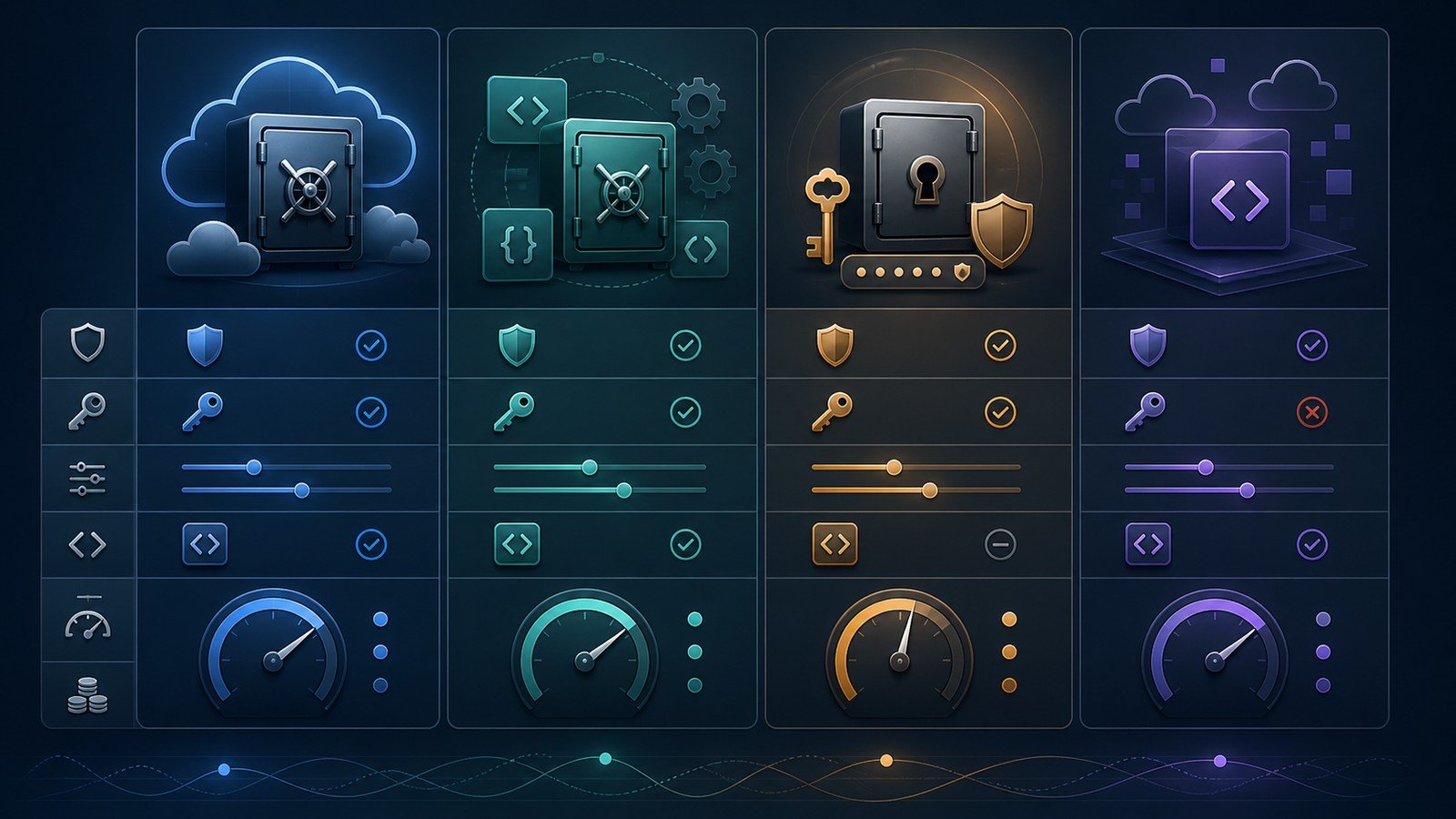
Recommended stack by business stage
Solo founder or tiny team
Use a trusted password manager and eliminate secrets in source code first. If you already use 1Password, evaluate whether 1Password Secrets Management gives you enough automation for your deploys and CI/CD. If your app is entirely on AWS or Google Cloud, the native cloud secret manager may be simpler.
Growing SaaS team
Look at Doppler, Infisical, or a cloud-native manager depending on how much of your stack is cloud-specific. The key upgrade is moving from “stored safely somewhere” to “accessed safely by the right identity at deploy time.” Require separate secrets for production, staging, development, CI/CD, and AI tools.
Security- or compliance-sensitive team
Prioritize audit retention, SSO, SCIM or provisioning, rotation workflows, access approvals, SIEM export, and documented ownership. Infisical Advanced or Enterprise, Doppler Enterprise, cloud-native controls, or HCP Vault Dedicated may make sense depending on infrastructure complexity.
What to migrate first
Do not start by trying to migrate every secret in a weekend. Start with the highest-risk credentials and the most common leak paths:
- Production database credentials.
- Cloud provider keys and deployment tokens.
- Payment, email, analytics, and customer-data API keys.
- CI/CD environment variables used by GitHub Actions, GitLab, Jenkins, or deployment scripts.
- AI agent, MCP server, and automation credentials that can read or write business data.
- Contractor or agency credentials that need quick revocation.
Once those are centralized, create a rotation calendar. Rotate immediately after employee departures, vendor offboarding, suspected leaks, public repository exposure, or major permission changes. For lower-risk internal tokens, a documented review cycle is usually better than random panic rotation.
Small-business buying checklist
- SSO and MFA: Can access be controlled through your identity provider?
- Least privilege: Can each app, agent, contractor, and pipeline get only the secrets it needs?
- Audit logs: Can you see who accessed what, when, and from where?
- Rotation: Can high-risk credentials rotate without breaking production?
- Environment separation: Are development, staging, and production secrets isolated?
- Emergency recovery: Can the team recover access without one person becoming the single point of failure?
- Pricing shape: Does billing scale by users, identities, secrets, operations, or clusters?
- AI-agent controls: Can non-human identities get scoped, auditable, revocable access?
Final verdict: the best secrets management tool for most small businesses
For most developer-led small businesses, Doppler is the strongest dedicated secrets-management pick because it is purpose-built for application teams, CI/CD workflows, service accounts, and increasingly AI-agent access patterns. If your team already runs on 1Password, 1Password Secrets Management may be the fastest path to safer credential workflows because employees already understand the core vault model. If you are cloud-native, AWS Secrets Manager or Google Secret Manager can be the most efficient default.
Infisical is the open-source-friendly choice for teams that want a serious secrets platform with cloud and self-hosting options. HashiCorp Vault remains the advanced option for teams with enough infrastructure complexity to justify the learning curve.
The bigger win is not the vendor choice. It is stopping the spread of long-lived credentials across local files, CI/CD dashboards, chat messages, contractors, and AI tools. Pick the tool your team will actually use, migrate the riskiest credentials first, and make secret rotation a normal operating habit instead of a crisis response.
FAQ
What is a secrets management tool?
A secrets management tool stores and controls sensitive credentials such as API keys, database passwords, certificates, SSH keys, tokens, and cloud access keys. The best tools also handle access control, audit logs, environment separation, and rotation.
Can a small business just use a password manager?
Sometimes, yes. A password manager is much better than spreadsheets or chat messages. But once secrets need to flow into CI/CD pipelines, apps, servers, and AI agents, a dedicated secrets-management workflow becomes safer and easier to audit.
Should API keys be stored in GitHub Actions secrets?
GitHub Actions secrets are useful, but they should not become the only secrets-management strategy for a growing business. Centralized tools make it easier to rotate, audit, and reuse secrets safely across more than one pipeline or platform.
Which secrets manager is cheapest?
It depends on billing shape. AWS and Google Cloud price around stored versions and access operations. Doppler and Infisical use user or identity-oriented pricing. 1Password depends on your broader 1Password subscription and secrets workflow. Count humans, machines, secrets, environments, and expected API calls before comparing.
Do AI agents need separate secrets?
Yes. AI agents and automated workflows should use scoped service accounts or short-lived credentials wherever possible. They should not share a founder’s login, a developer’s personal API key, or one broad production token.
Affiliate disclosure: CyberTrendLab may earn a commission if you buy through the 1Password link in this article, at no extra cost to you. Our comparisons are written to help readers choose useful, secure software, and affiliate relationships do not control our editorial verdicts.