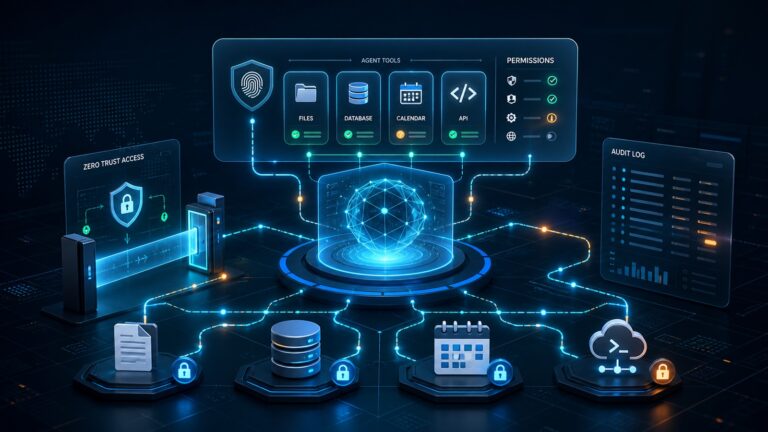
Quick answer: a VPN, a password manager, and endpoint security solve three different small-business security problems. A VPN protects the network path. A password manager protects logins. Endpoint security protects laptops, desktops, and servers when malware, risky downloads, or malicious behavior reaches the device. Most small teams need password management and endpoint protection first, then a VPN for remote access, public Wi-Fi, contractor access, or private cloud/internal systems.
Small businesses often buy security tools one at a time: a VPN after someone works from a café, a password manager after a shared spreadsheet gets messy, or antivirus after a scare. That is understandable, but it creates confusion because these tools overlap in marketing language while protecting very different parts of the risk surface.
This guide breaks down the practical difference between a VPN, a password manager, and endpoint security, then gives small teams a realistic buying order for 2026. It is written for founders, operators, office managers, and lean IT owners who need to reduce risk without building an enterprise security program overnight.
VPN vs password manager vs endpoint security: the simple difference
| Tool | Primary job | Best for | What it does not solve |
|---|---|---|---|
| VPN | Creates an encrypted connection between a device and a network or VPN provider. | Remote access, public Wi-Fi risk reduction, private apps, contractor access. | Weak passwords, phishing approvals, infected devices, unsafe SaaS permissions. |
| Password manager | Stores unique passwords and supports safer sharing, auditing, and account recovery. | SaaS-heavy teams, shared client accounts, employee onboarding and offboarding. | Malware, unpatched software, device compromise, network access rules. |
| Endpoint security | Monitors and protects business devices from malware, suspicious behavior, and risky files. | Company laptops, remote workers, regulated client data, ransomware risk. | Password reuse, poor MFA adoption, overly broad app permissions. |
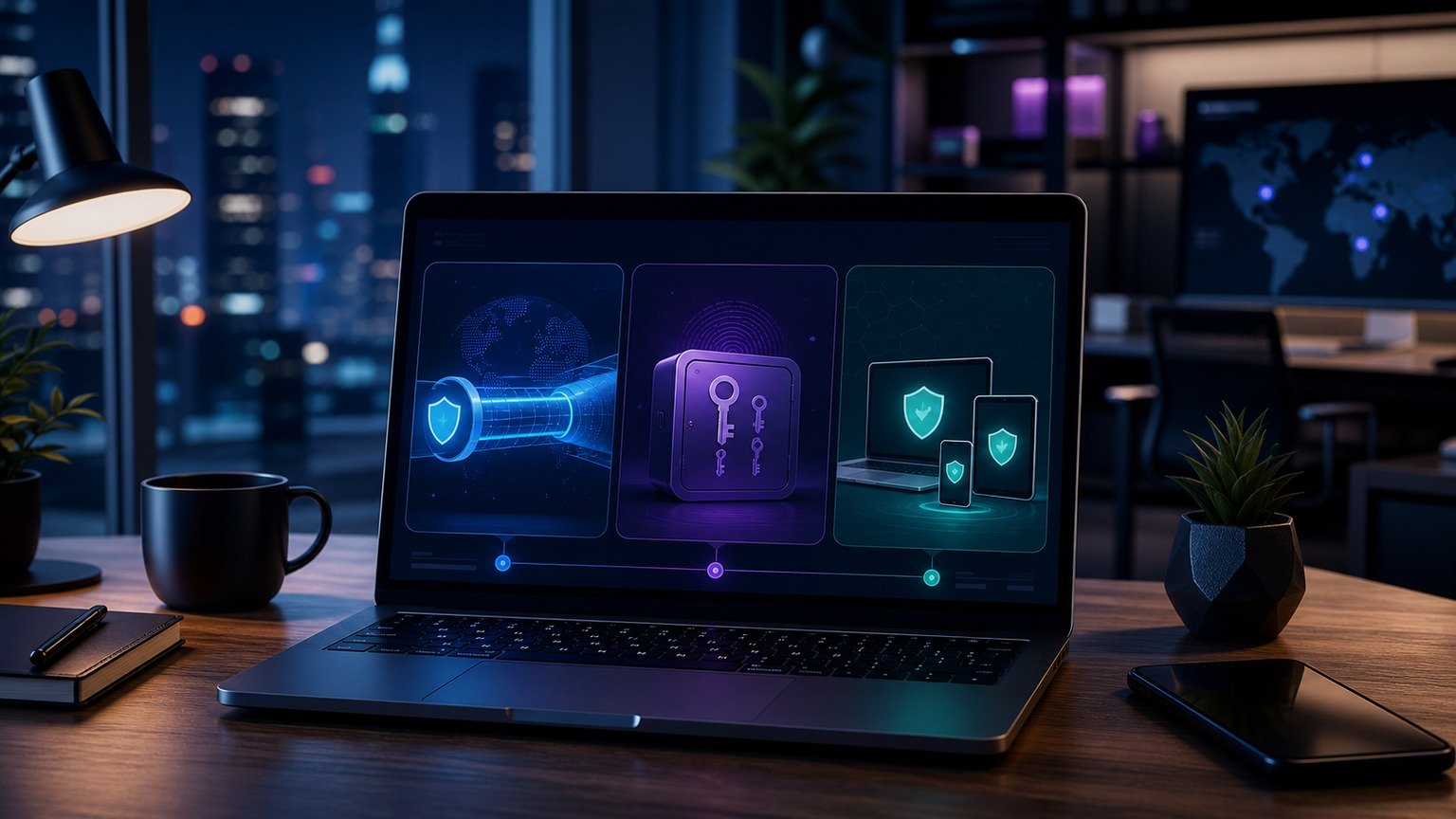
If you only remember one thing, remember this: a VPN protects the connection, a password manager protects access, and endpoint security protects the device. They are complements, not substitutes.
What a VPN actually protects
A VPN is most useful when a business needs a secure tunnel between a user and a destination. That destination may be a private company network, a cloud-hosted internal app, a server admin panel, or a VPN provider that encrypts traffic from a laptop on public Wi-Fi.
For a small team, VPNs are strongest in a few scenarios:
- Remote admin access: limit server dashboards, databases, staging sites, or internal tools so they are reachable only through a VPN or allowlisted network.
- Public Wi-Fi work: reduce exposure when employees work from airports, cafés, hotels, or coworking spaces.
- Contractor access: give a freelancer a controlled network path without opening internal systems to the whole internet.
- Location-based SaaS rules: pair VPN or secure access tooling with conditional access policies when your identity provider supports it.
But a VPN is not a magic privacy or security shield. It does not stop someone from typing credentials into a phishing page. It does not make a reused password safe. It does not clean malware from a laptop. It also does not automatically reduce the risk of a compromised SaaS account if an attacker already has valid credentials and can pass MFA.
NIST’s small-business cybersecurity resources include guidance areas for securing network connections, while CISA’s Secure Our World guidance emphasizes practical basics such as strong passwords, MFA, software updates, and phishing awareness. In other words, network security matters, but it is only one layer.
What a password manager actually protects
A password manager helps your team stop reusing weak passwords, stop storing credentials in spreadsheets, and stop sharing logins through Slack, email, screenshots, or browser autofill profiles that no one manages centrally.
For most small businesses, this is the first security tool to standardize because SaaS accounts are where much of the business now lives: email, cloud storage, CRM, payroll, ad accounts, analytics, hosting, invoicing, and client portals. If those accounts use reused passwords, the business is exposed every time an employee’s personal or old work password appears in a breach.
CISA’s public guidance says using strong passwords and a password manager are easy ways to protect against someone logging into an account and stealing data or money. CISA also recommends turning on multifactor authentication, because MFA can prevent access even when a password is stolen.
A business password manager should give you more than a vault. Look for:
- Team vaults and role-based sharing so people only see credentials they need.
- Admin recovery for when an employee leaves or loses access.
- Password health reporting to find reused, weak, or exposed logins.
- MFA support for the password manager itself and critical business accounts.
- SCIM or identity-provider integration if your team is growing and needs automated onboarding/offboarding.
For buyer research, CyberTrendLab has already covered business password manager pricing and a 1Password vs Bitwarden vs Dashlane comparison. Use those when you are ready to compare vendors; use this guide to decide the layer you need first.
What endpoint security actually protects
Endpoint security protects the devices your team uses every day: Windows laptops, Macs, desktops, and sometimes servers or mobile devices depending on the product. Traditional antivirus focused on known malware. Modern business endpoint tools may add behavior monitoring, web protection, ransomware defenses, device inventory, policy enforcement, EDR-style investigation, or managed detection options.
This layer matters because a clean password policy does not help if malware captures browser sessions, steals files, or encrypts a laptop. A VPN does not help if the device connecting through the tunnel is already compromised. Endpoint security is the layer that asks: “Is this device healthy enough to trust?”
Endpoint security is especially important when:
- Employees store client files or financial documents locally.
- The business uses Windows devices across multiple remote workers.
- People frequently download attachments, invoices, creative files, or vendor documents.
- The team has no full-time IT admin watching devices daily.
- The business worries about ransomware, credential theft, or browser-based attacks.
CISA’s Secure Our World guidance also emphasizes updating software, because updates patch security risks. Endpoint security should not replace updates; it should make it easier to see whether devices are protected, current, and behaving normally.
If this is your next buying step, compare CyberTrendLab’s endpoint security pricing guide, Bitdefender vs SentinelOne vs Sophos comparison, and small business security stack.
Which should small businesses buy first?
The right order depends on your current risk, but most small teams should follow this sequence:
1. Start with a password manager and MFA
If your team still shares passwords in spreadsheets, browser profiles, chat messages, or old onboarding docs, fix that first. Identity is the front door to your SaaS stack. A password manager plus MFA gives fast risk reduction at a relatively low cost and improves offboarding immediately.
Minimum baseline:
- Company password manager required for work accounts.
- Unique passwords for every business-critical service.
- MFA enabled on email, password manager, finance, hosting, domain registrar, cloud storage, ad accounts, and admin tools.
- Shared vaults owned by the business, not a single employee.
2. Add endpoint security for business devices
Once logins are under control, protect the machines those logins are used from. Endpoint security is a priority for teams handling client data, finance workflows, regulated data, code repositories, admin panels, or remote employees.
Minimum baseline:
- Endpoint protection installed on every work laptop and desktop.
- Automatic updates enabled for the operating system, browser, and key apps.
- Device encryption enabled where supported.
- Central console or at least a documented owner who checks alerts.
3. Use a VPN when the network path matters
A VPN is not always the first purchase for SaaS-only teams, but it becomes important when you have private systems, server administration, remote contractors, or staff regularly working on untrusted networks. It is also useful when paired with access rules: for example, “admin panels are reachable only from the company VPN.”
Minimum baseline:
- VPN or zero-trust access for server dashboards, databases, admin panels, and internal tools.
- MFA required for VPN access.
- Separate access groups for employees, admins, and contractors.
- Regular review of who still needs access.
Common buying mistakes
Mistake 1: Buying a VPN and calling it “cybersecurity”
A VPN is useful, but it does not replace password hygiene, MFA, endpoint protection, backups, patching, or phishing training. If every employee uses the same weak CRM password, the VPN is not solving the main problem.
Mistake 2: Letting browser password sync become the company vault
Browser password managers are convenient for individuals, but small businesses need shared vault ownership, offboarding, audit visibility, recovery, and role-based access. Without that, credentials leave with employees or remain exposed after roles change.
Mistake 3: Installing endpoint software but ignoring alerts
Endpoint tools only create value when someone owns the alerts, device coverage, and policy settings. If no one checks the console, choose a simpler product, managed option, or security provider rather than a tool that looks impressive but goes unread.
Mistake 4: Forgetting phishing is still the bridge between layers
CISA’s phishing guidance focuses on recognizing and reporting suspicious messages. That matters because phishing can target all three layers: it can steal VPN credentials, trick someone into approving MFA, lure users to fake password-manager pages, or deliver malicious files to endpoints.
A practical 30-day rollout plan
Week 1: Inventory access
- List critical accounts: email, domains, hosting, banking, payroll, CRM, ads, analytics, cloud storage, code, and admin panels.
- Identify who owns each account and whether MFA is enabled.
- Find shared passwords in spreadsheets, browser profiles, chat, and old docs.
Week 2: Deploy the password manager
- Create team vaults for finance, marketing, ops, technical admin, and client accounts.
- Rotate reused or unknown passwords.
- Require MFA on the password manager and critical accounts.
- Document onboarding and offboarding steps.
Week 3: Protect devices
- Install endpoint protection across all work devices.
- Confirm operating system and browser auto-updates are enabled.
- Turn on disk encryption where supported.
- Assign one person to review alerts and missing devices weekly.
Week 4: Lock down network access
- Put admin panels, databases, staging environments, and internal tools behind VPN or zero-trust access.
- Remove broad IP exposure where possible.
- Separate contractor access from employee admin access.
- Review logs for failed login attempts and unused access.
FAQ
Do I need a VPN if I use only cloud apps?
Maybe, but it is not always the first priority. If your business is fully SaaS-based and has no private network, internal apps, or server admin panels, a password manager, MFA, endpoint security, and good offboarding may reduce more risk first. A VPN becomes more important for public Wi-Fi, private admin access, and controlled contractor workflows.
Can a password manager replace MFA?
No. A password manager helps create and store unique passwords. MFA adds another verification step so a stolen password is less useful. Use both, especially for email, finance, cloud storage, hosting, and admin tools.
Is endpoint security just antivirus?
Not necessarily. Some basic products are close to antivirus, while business endpoint platforms may include behavior detection, ransomware protection, central policy management, device inventory, and investigation features. Match the tool to your team’s risk and ability to manage alerts.
What should a five-person business do first?
Start with a business password manager, MFA for critical accounts, and documented offboarding. Then add endpoint protection to every work device. Add VPN or zero-trust access when you need to protect admin panels, private systems, remote contractors, or public-Wi-Fi workflows.
Bottom line
For most small businesses in 2026, the strongest practical stack is not “VPN or password manager or endpoint security.” It is all three in the right order: protect identities with a password manager and MFA, protect devices with endpoint security and updates, then protect sensitive network paths with VPN or zero-trust access.
If budget is tight, start where the risk is most concentrated: the accounts that control money, email, domains, client data, and admin access. Then build outward. Layered security does not have to be complicated; it just has to be owned, documented, and reviewed.