Business email compromise is not just a phishing problem. It is a payment-control problem, an identity-control problem, and a workflow-design problem. The companies that reduce BEC losses in 2026 will not be the ones that tell employees to “be careful” one more time. They will be the ones that make fraudulent payment requests hard to approve, hard to hide, and easy to report.
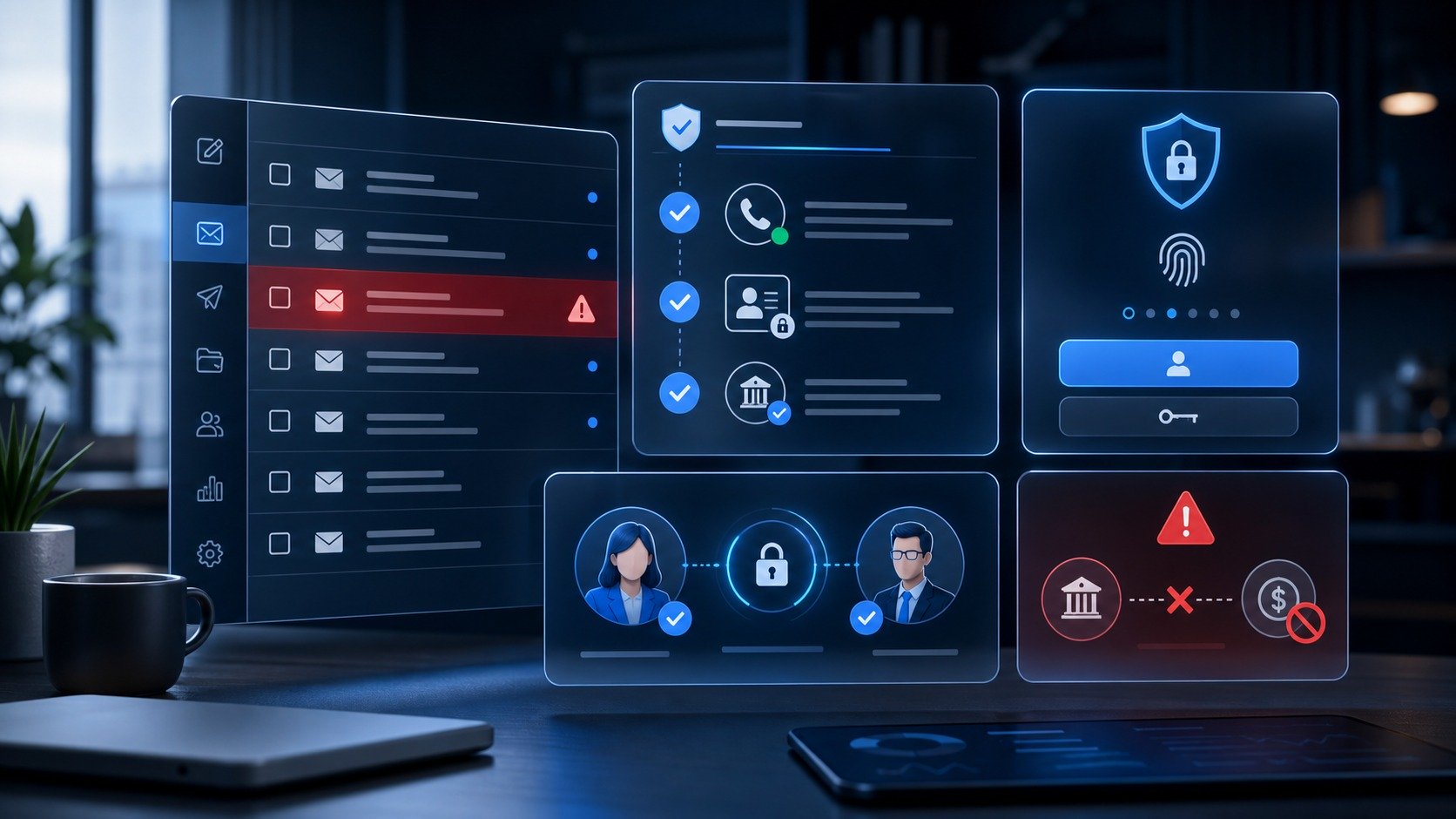
Quick checklist: the 10 controls to put in place first
- Require out-of-band verification for new bank details, urgent transfers, payroll changes, and vendor payment changes.
- Use phishing-resistant MFA or passkeys for finance, admin, email, and password-manager accounts where available.
- Separate “requesting a payment” from “approving a payment” with a two-person rule.
- Lock down email forwarding rules, mailbox delegation, and OAuth app permissions.
- Publish a simple internal rule: no payment change is valid if it is verified only by replying to the same email thread.
- Train employees on the five BEC patterns: executive impersonation, vendor invoice fraud, payroll redirection, account takeover, and legal/tax impersonation.
- Give employees a one-click way to report suspicious messages.
- Use domain authentication and anti-spoofing controls: SPF, DKIM, DMARC, and display-name impersonation alerts.
- Keep a vendor-change log and review it monthly with finance and operations.
- Run a 30-minute incident drill before the first real emergency.
Why business email compromise deserves its own checklist
Business email compromise, often shortened to BEC, is a fraud pattern where attackers use trusted-looking email accounts or identities to manipulate a company into sending money, changing payment information, sharing sensitive data, or approving access. It overlaps with phishing, but the goal is usually more specific than stealing a random password. The attacker wants a believable business action: pay this invoice, update this vendor bank account, send these W-2 files, approve this wire, or change this payroll deposit.
The FBI’s 2025 Internet Crime Complaint Center annual report listed phishing/spoofing as the top crime type by complaint count, with 191,561 complaints. It also reported business email compromise losses of more than $3 billion. Those two numbers explain why BEC needs executive attention: phishing creates the entry point, but payment and identity workflows determine the damage.
CyberTrendLab has recently covered AI browser agent security risks, AI agent security controls, and business password-manager security. This checklist supports the same small-business security cluster from a different angle: practical controls for finance and remote teams.
The modern BEC attack chain
Most BEC incidents are not technically impressive at first glance. That is why they work. They use normal business habits against the company: fast replies, trust in familiar names, calendar pressure, and messy approval processes. A typical attack chain looks like this:
- Research: the attacker studies executives, vendors, finance contacts, job titles, LinkedIn posts, invoices, breached credentials, or public procurement records.
- Access or impersonation: the attacker compromises a mailbox, spoofs a display name, registers a lookalike domain, or injects themselves into a real thread.
- Pressure: the message adds urgency: a closing deadline, an overdue invoice, a “private” executive request, a new bank account, or a payroll cutoff.
- Workflow bypass: the attacker tries to keep the conversation inside email so nobody calls the vendor, checks the ERP record, or asks a second approver.
- Cash-out: money is wired, payroll is redirected, gift cards are purchased, sensitive records are sent, or an attacker gains deeper access.
The checklist below is designed around breaking that chain at multiple points. No single control is enough. The goal is layered friction where it matters most.
1. Define which requests require out-of-band verification
The most important BEC rule is simple: the same channel that delivered the request cannot be the only channel used to verify it. If a vendor emails new bank details, do not verify by replying to that email. Use a trusted phone number from your accounting system, contract record, vendor portal, or previously validated contact list.
At minimum, require out-of-band verification for:
- new vendor bank details;
- changes to existing vendor payment information;
- urgent wire transfers;
- payroll direct-deposit changes;
- requests for tax, HR, customer, or employee records;
- requests to buy gift cards or cryptocurrency;
- requests to bypass normal approval steps.
For a remote team, write the rule as a script employees can actually use: “I cannot approve payment changes over email alone. I need to verify this through our saved vendor contact or finance channel.” That turns security from a vague instinct into a repeatable business process.
2. Use a two-person approval rule for payments and account changes
BEC succeeds when one person can receive, validate, and approve a sensitive action without independent review. A two-person rule is one of the most effective controls for small teams because it does not require a large security department. It only requires that the company separates duties.
For example:
- One person enters the payment or vendor change.
- A second person verifies the source using a trusted contact path.
- The approver checks the amount, vendor record, and reason for urgency.
- The final approval happens in the accounting or banking platform, not only in email or chat.
This is especially important for founders and small-business owners. If everyone treats the founder’s email as an emergency override, attackers only need to imitate one person. Make it normal for employees to challenge “CEO requests” when money or sensitive data is involved.
3. Harden email accounts before you train people harder
Security awareness helps, but BEC prevention cannot rely on perfect human judgment. Email accounts need technical guardrails. Start with the accounts that create the highest business risk: finance, HR, executives, IT admins, agency owners, and anyone with payment authority.
- Require MFA: use phishing-resistant MFA or passkeys where practical, especially for administrators and finance users.
- Disable legacy authentication: older mail protocols can bypass modern MFA policies in some environments.
- Review forwarding rules: attackers often create hidden forwarding rules after mailbox takeover.
- Audit delegated mailbox access: remove stale assistants, contractors, and shared mailbox permissions.
- Restrict risky OAuth apps: malicious or over-permissioned apps can keep access even after a password reset.
- Alert on impossible travel and unusual inbox rules: those are common account-takeover signals.
NIST’s current digital identity guidance emphasizes stronger authentication options such as phishing-resistant authenticators for higher-risk use cases. For BEC prevention, that matters because a compromised finance or executive mailbox can make fraudulent requests look real.
4. Make vendor changes slower than invoice payments
Many companies scrutinize large invoices but rush through vendor profile changes. Attackers know this. A fake “we changed banks” email can redirect legitimate payments even when the invoice amount and vendor name look normal.
Create a vendor-change process that includes:
- a saved vendor owner inside your company;
- a trusted callback number not sourced from the change-request email;
- a second approver for bank-detail updates;
- a short waiting period for high-value vendors;
- a record of who requested, verified, and approved the change;
- a monthly review of vendor changes by finance leadership.
This may feel slower, but it is cheaper than recovering a misdirected payment. The FBI’s Recovery Asset Team can sometimes help freeze funds when victims report quickly, but prevention and fast escalation are still the best strategy.
5. Train on patterns, not just red flags
Many phishing trainings over-focus on typos and suspicious links. Modern BEC messages may have no obvious typo and no link at all. The better training question is: “What business action is this message trying to make me take?”
Teach employees the five patterns they are most likely to see:
- Executive impersonation: “I am in a meeting. Handle this confidential payment now.”
- Vendor invoice fraud: “Our bank details changed. Please update the payment record.”
- Payroll redirection: “Please update my direct deposit before the next pay run.”
- Thread hijacking: a real email chain is used to insert fraudulent instructions.
- Data request impersonation: tax, HR, customer, or legal records are requested by someone who sounds authorized.
Then give employees a safe escalation path. A junior employee should not have to decide alone whether a strange executive request is real. They should know exactly where to report it and receive praise, not blame, for slowing down a suspicious request.
6. Configure email authentication and impersonation defenses
SPF, DKIM, and DMARC do not stop every BEC attempt, especially when a real mailbox is compromised. But they reduce spoofing risk and make it harder for attackers to abuse your domain at scale. They also help partners and customers trust legitimate messages from your business.
Small businesses should:
- publish SPF records that include only authorized sending services;
- enable DKIM signing for the company’s main email platform and marketing tools;
- move DMARC from monitoring toward enforcement after checking legitimate senders;
- monitor lookalike domains for brand impersonation;
- turn on display-name and external-sender warnings where useful;
- protect executive names and finance aliases with impersonation policies.
The key is not to treat DMARC as a one-time DNS chore. Review it whenever the company adds a new email platform, marketing tool, help desk, CRM, or invoicing service.
7. Build a remote-team payment approval workflow
Remote teams often rely heavily on Slack, Teams, email, and shared docs. That can be efficient, but it also creates ambiguity about where approval really happens. BEC prevention improves when the payment workflow is explicit.
| Request type | Minimum control | Best approval channel |
|---|---|---|
| Routine invoice from known vendor | Match PO, amount, and vendor record | Accounting platform |
| New vendor bank details | Trusted callback plus second approver | Vendor-management record |
| Urgent wire transfer | Executive + finance verification outside email | Banking platform with audit trail |
| Payroll change | Employee portal login plus HR verification | Payroll system |
If an approval only exists in a chat thread, it is easy to misread, delete, or manipulate. Use chat for coordination, but keep the official approval in systems that preserve roles, timestamps, and audit logs.
8. Prepare a 30-minute BEC incident drill
Every remote team should rehearse what happens when someone reports a suspicious payment request or suspected mailbox compromise. The drill does not need to be complex. It should answer six questions:
- Who receives the first report?
- Who can freeze a pending payment?
- Who can disable or reset an email account?
- Who reviews forwarding rules, OAuth apps, and mailbox logins?
- Who contacts the bank, payment processor, insurer, or legal advisor?
- Who files an external report if money or sensitive data is involved?
Run the drill with finance, operations, HR, and IT. Time matters. If a payment has already moved, the company needs to contact the bank immediately and preserve evidence instead of debating ownership in a Slack thread.
9. What to do this week
If you only have a few hours, focus on the controls that reduce the biggest losses fastest:
- Write the out-of-band verification rule and send it to finance, HR, executives, and operations.
- Review all finance and executive email accounts for MFA, forwarding rules, delegated access, and unusual OAuth apps.
- Create a vendor bank-detail change form with required callback verification.
- Require two-person approval for wires, vendor changes, and payroll changes.
- Make a one-click reporting path for suspicious emails.
- Schedule a 30-minute BEC drill before the next monthly payment cycle.
FAQ
Is business email compromise the same as phishing?
No. Phishing is often the entry method, but BEC is the business fraud outcome. A BEC attempt may involve phishing links, account takeover, spoofed names, fake invoices, payroll redirection, or thread hijacking. The prevention strategy has to include both email security and payment controls.
What is the fastest BEC control for a small business?
The fastest high-impact control is an out-of-band verification rule for payment changes and urgent transfers. Do not allow employees to verify new banking details by replying to the same email thread that requested the change.
Does MFA stop business email compromise?
MFA helps, especially for email, finance, and admin accounts, but it does not stop every scenario. Attackers can still use social engineering, compromised vendor accounts, malicious OAuth grants, or MFA fatigue. Pair MFA with payment verification and approval controls.
Should small businesses use cyber insurance for BEC?
Cyber insurance can help with response costs, but it is not a substitute for controls. Many policies expect reasonable security practices, and some payment-fraud scenarios may have specific coverage conditions. Review the policy with a qualified advisor and keep approval logs.
Bottom line
Business email compromise works because it looks like normal work. The best defense is not a single tool or another generic awareness video. It is a small set of enforceable habits: verify payment changes outside email, require two-person approval, harden high-risk mailboxes, monitor vendor changes, and rehearse response before a real incident. For remote teams, that is the difference between “we should have noticed” and “the process stopped it.”