Quick verdict: AWeber is still one of the easiest email marketing platforms to recommend to creators, coaches, local service businesses, newsletter starters, and small ecommerce teams that want email, landing pages, forms, basic automation, ecommerce support, web push, integrations, and human support without buying an enterprise marketing cloud. It is not the most advanced CRM, the deepest lifecycle orchestration system, or the cheapest option at every list size. But for a small business that needs to launch a list, welcome sequence, landing page, and regular newsletter quickly, AWeber remains a practical and conversion-friendly choice.

Best fit in one sentence
Choose AWeber if you want a small-business email marketing platform that can move from “we should collect emails” to “we have a live list, landing page, newsletter, and welcome flow” without a long implementation project.
AWeber review 2026: what it is
AWeber is a web-based email marketing platform built around list growth, newsletters, automations, landing pages, signup forms, ecommerce features, web push notifications, integrations, and support for smaller operators. Its current public site positions the product as “email marketing and more for small businesses,” with a feature set that includes AI writing tools, an AI subject line assistant, email automation, landing page building, signup forms, ecommerce landing pages, a link-in-bio page, web push notifications, ecommerce integrations, and a WordPress plugin.
That positioning matters. Some marketing software is built for revenue operations teams with admins, developers, CRM managers, and complicated data pipelines. AWeber is more comfortable in the hands of a founder, creator, coach, podcaster, local business owner, consultant, newsletter operator, or small ecommerce seller who wants to send useful emails and automate follow-up without becoming a marketing-ops specialist.
For CyberTrendLab readers, AWeber sits in the “practical business tool” category rather than the “security platform” category. The right question is not whether it can replace HubSpot, Salesforce Marketing Cloud, Klaviyo for a serious ecommerce brand, or a full customer support suite. The question is whether it gives a lean business enough email, page, and automation power to capture demand, nurture subscribers, and sell offers reliably.
The problem AWeber solves
Small businesses usually do not fail at email marketing because they lack a clever segmentation theory. They fail because the basics never get shipped. The landing page waits on a designer. The welcome email waits on a blank document. The signup form never makes it onto the website. The weekly newsletter becomes an occasional update. The lead magnet has no follow-up path. Customers buy once and never hear from the business again.
AWeber tries to compress that launch curve. It combines the operational pieces a small team needs: capture a subscriber, tag or segment that subscriber, send a newsletter, automate a welcome path, promote a landing page, sell simple products or services, and check reporting. That makes it attractive for businesses that are too mature for a basic contact form but not ready to build a heavy marketing stack.
This also connects to CyberTrendLab’s broader software coverage. In our guide to the best email marketing automation tools for small businesses, AWeber fit best as a creator-friendly launch platform. This review goes deeper into when that positioning is an advantage, when it becomes a limitation, and how to evaluate AWeber against alternatives before paying.
AWeber pricing in 2026
Pricing changes often, so verify AWeber’s current pricing page before buying. At the time of writing, AWeber’s public pricing page lists a 14-day free trial and paid tiers that vary by subscriber count. For a 0-500 subscriber account on annual billing, the page currently shows Lite at $12.49 per month, Plus at $19.99 per month, and a Done For You package at $20.00 per month plus a setup fee promotion. The same page also displays monthly-price examples for larger subscriber tiers and explains send-volume limits by subscriber multiple.
The important buyer takeaway is that AWeber is not a one-price-forever product. Like most email service providers, the bill grows as your list grows. That is normal, but it means buyers should compare pricing at today’s list size and at the list size they expect one year from now. A plan that looks inexpensive at 500 subscribers may not be the cheapest at 10,000 subscribers.
AWeber’s public pricing page currently separates Lite and Plus by limits and advanced capabilities. Lite is the more constrained path, with limits such as one email list, three landing pages, three automations, three users, one custom segment, and a lower send multiple on the shown 0-500 subscriber table. Plus expands into unlimited lists, landing pages, automations, custom segments, users, priority 24/7 support, advanced reporting and analytics, advanced landing page features, sales tracking, lower transaction fees, and removal of AWeber branding.
For a serious business, Plus is often the tier to evaluate rather than Lite. Lite can work for a first launch, but the constraints around lists, pages, automations, and segmentation may become annoying quickly if email becomes a real channel.
| Plan area | What to check before buying | Why it matters |
|---|---|---|
| Subscriber tier | Price at your current list size and expected 12-month list size | Email platforms can become materially more expensive as the list grows. |
| Send volume | Monthly send multiple and campaign frequency | A high-frequency newsletter or launch calendar can hit send limits faster than expected. |
| Automation limits | Number of automations and workflow depth you need | Welcome flows, lead magnets, product follow-ups, and reactivation campaigns add up. |
| Branding | Whether AWeber branding is removed on the plan | Professional client-facing pages and emails often need clean branding. |
| Ecommerce fees | Transaction fee level and payment-workflow fit | Selling digital products or services through email changes the economics. |
Core features: what AWeber does well
Email newsletters and campaigns
AWeber’s center of gravity is still email. Its current feature pages emphasize newsletters, a drag-and-drop email builder, templates, HTML emails, dynamic content, AMP emails, hosted broadcast archives, professional images, split testing, behavioral automation, branded click-tracking links, deliverability reporting, and campaign analytics. The product is designed to help a non-technical user write and send emails without opening a code editor.
This is useful for small teams because consistency beats complexity. A business that sends one useful newsletter every week, welcomes new subscribers, and follows up after interest signals will often outperform a business with a complicated automation map that nobody maintains. AWeber is strongest when email is a direct relationship channel: weekly tips, launch updates, education, customer onboarding, repeat purchases, event reminders, consultation bookings, and product announcements.

AI writing and subject-line assistance
AWeber’s current site highlights AI email tools such as an AI newsletter assistant, AI email writer, and AI subject line assistant. Buyers should treat those as acceleration tools, not a substitute for brand judgment. AI can help draft a first version, reshape a newsletter outline, or generate subject-line options, but the business still needs a clear offer, useful content, and a reason for subscribers to keep opening.
The best use case is speed. If the owner knows what to say but hates starting from a blank page, AI assistance can reduce friction. If the owner has no positioning, no offer, and no editorial point of view, AI will not fix the strategy. AWeber’s AI tools are most useful when paired with a simple publishing rhythm: one newsletter idea, one customer problem, one CTA, and one measured outcome.
Landing pages and signup forms
AWeber includes landing page and signup-form features that let a business collect subscribers without deploying a separate page builder. Its landing page materials describe templates, drag-and-drop editing, mobile-friendly design, tracking setup, domain connection, social sharing images, SEO descriptions, Google Analytics, and Facebook tracking IDs. The pricing page also distinguishes landing page limits and advanced landing page features by plan.
For a small business, this is a major convenience. You can launch a lead magnet, waitlist, webinar registration page, product announcement page, newsletter signup page, or simple offer page without waiting for a full website redesign. That said, AWeber landing pages should be evaluated as conversion pages, not as a replacement for a complete SEO content site. They are excellent for focused campaigns. They are less appropriate as a full publication architecture or large website CMS.
Email automation
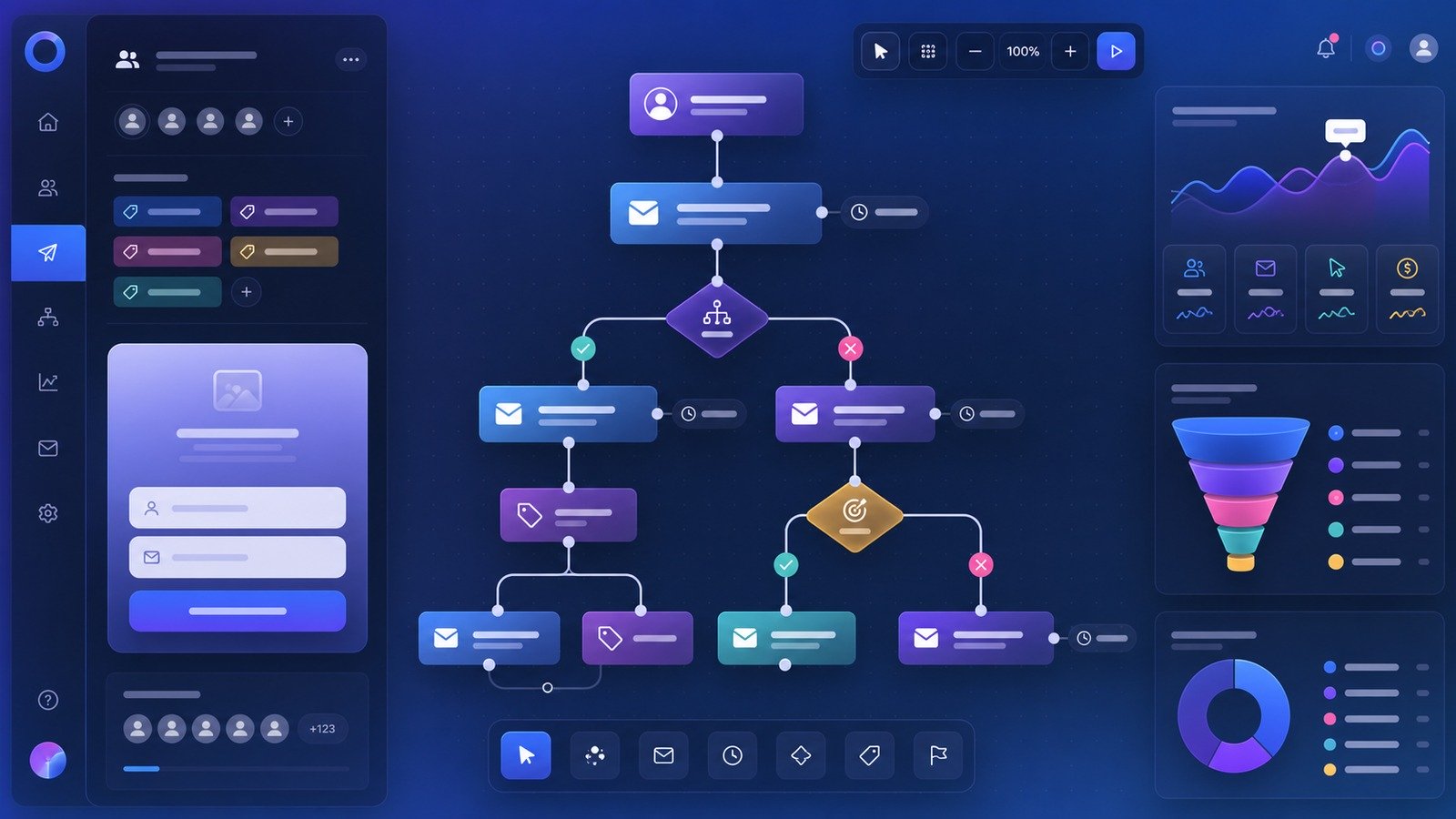
AWeber’s automation features are designed for practical lifecycle moments: a welcome sequence, a lead-magnet follow-up, a nurture path after a form submission, a product education sequence, or behavior-triggered emails. The pricing page currently lists email automations, behavioral automation, tagging, segmentation, webpage tracking, purchase tagging, and sales tracking among plan features.
The platform is best for clear, maintainable automations. A typical small business does not need a 45-branch journey on day one. It needs a sequence that says hello, delivers the promised resource, explains the problem, proves the business can help, introduces a paid offer, and reminds the subscriber how to take the next step. AWeber can support that kind of workflow well.
Ecommerce and sales tracking
AWeber’s pricing page currently lists ecommerce capabilities such as selling products and services, subscriptions and payment plans, sales tracking, purchase tagging, and transaction fees that differ by plan. This does not mean AWeber should automatically replace Shopify, WooCommerce, Stripe Checkout, or a dedicated course platform. It means a smaller creator or service business may be able to connect simple selling motions more directly to email.
That is valuable when the offer is straightforward: a digital download, a template, a paid workshop, a coaching package, a small course, or a recurring community. The more complex the catalog, fulfillment, taxes, inventory, reporting, and customer account logic becomes, the more likely you are to want a dedicated ecommerce system integrated with AWeber rather than handled entirely inside the email tool.
Reporting and analytics
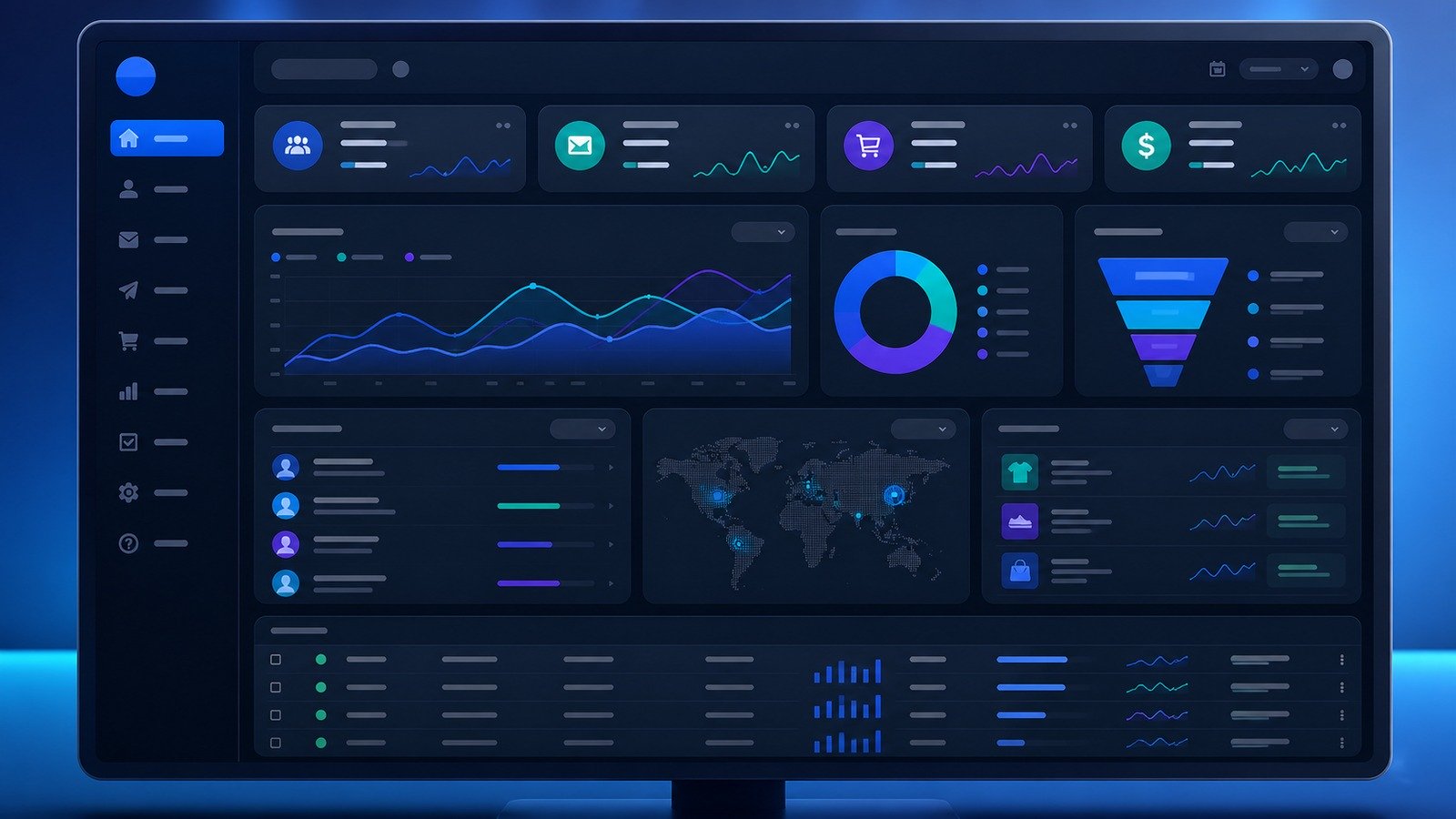
AWeber’s reporting stack is built around practical campaign and audience visibility: subscriber and message analytics, advanced reporting on higher plans, click tracking, web page tracking, sales tracking, and deliverability reporting. Small teams should use those reports to answer concrete questions: which emails get opened, which links get clicked, which landing pages convert, which lead magnets attract buyers, and which automations produce replies or sales.
Do not over-optimize early. A small list can produce noisy data. The first goal is to send consistently, keep consent clean, deliver useful emails, and test clear CTAs. Once the list is large enough, reporting can guide segmentation, subject-line improvements, content themes, offer timing, and reactivation campaigns.
Where AWeber is strongest
1. Creators and expert businesses
AWeber fits creators, coaches, consultants, educators, podcasters, and small expert-led companies because the workflow maps naturally to audience building. Capture subscribers, deliver useful content, promote a product or service, and automate basic follow-up. Those buyers often value simplicity and support more than enterprise feature depth.
2. Local and service businesses
Local businesses can use AWeber for offers, appointment reminders, seasonal campaigns, review requests, event updates, and customer education. The landing page and signup form tools reduce reliance on web developers for every small campaign.
3. Early ecommerce and digital-product sellers
AWeber can support small selling motions with email, pages, purchase tagging, and sales tracking. It is especially useful for simple digital products and service offers where email nurture matters more than complex storefront management.
4. Teams that want support and migration help
AWeber’s public pricing page highlights 24/7 support, priority support on higher tiers, and free migration. That can matter more than a minor price difference when a small business owner is trying to move lists, forms, automations, and templates without breaking revenue flow.
Where AWeber may not be enough
AWeber is not the perfect default for every buyer. If you need a full CRM with pipeline management, native sales calling, account scoring, complex lifecycle attribution, or deep data warehouse workflows, compare CRM-led systems. If ecommerce is your entire business and you need extremely granular product, browsing, inventory, and checkout triggers, compare ecommerce-specialist platforms. If you need enterprise governance, advanced role design, approval workflows, and multi-brand operations across regions, evaluate enterprise marketing suites.
There is also a pricing-fit question. At low subscriber counts, AWeber is accessible. At larger list sizes, the best choice depends on send frequency, revenue per subscriber, automation needs, support requirements, and how well each platform converts for your audience. Never compare email tools only by the first advertised price. Compare the exact plan and subscriber tier you will actually use.
AWeber vs alternatives
AWeber competes with tools such as Mailchimp, ConvertKit-style creator platforms, MailerLite, Moosend, Brevo, GetResponse, Constant Contact, and ecommerce-focused email platforms. The best alternative depends on your main job.
- Choose AWeber if you want a friendly, support-backed email and landing page system for creators, service businesses, newsletters, and simple selling.
- Choose a CRM-led platform if your main need is sales pipeline management, account records, deal stages, and tight sales-team reporting.
- Choose an ecommerce specialist if abandoned-cart logic, product recommendations, order data, and store analytics drive most of your revenue.
- Choose a cheaper newsletter tool if you only need basic broadcasts and simple forms, and you are comfortable trading support or feature breadth for price.
- Choose a more advanced automation tool if your business already has a dedicated marketing-ops owner and needs complex branching, scoring, and data integrations.
For broader comparison context, read CyberTrendLab’s email marketing automation roundup, AI sales automation tools guide, and CRM comparison for sales teams. Those articles help separate email marketing from adjacent sales and automation categories.
Setup tips for getting value from AWeber
Start with one list-building offer
Do not start by building ten automations. Start with one clear reason for people to subscribe: a checklist, discount, mini-course, webinar, template, report, or weekly newsletter promise. Build the landing page and signup form around that offer, then write a focused welcome sequence.
Write a five-email welcome sequence
A simple five-email flow is enough for many businesses: deliver the promised resource, introduce the problem, teach one useful idea, show how your product or service helps, and invite the subscriber to take the next step. This can be expanded later, but it gives the list a commercial purpose from day one.
Keep tagging simple
Tags are powerful, but messy tagging can ruin a small email account. Start with tags for source, interest, customer status, and key actions. Avoid creating a new tag for every tiny behavior until you know how you will use it.
Review deliverability basics
Email performance depends partly on list quality and sending practices. Use permission-based list growth, avoid purchased lists, keep content useful, clean inactive contacts when appropriate, and set up authentication records if required by your sending domain and plan. AWeber’s anti-spam posture is strict, which is good for legitimate senders but requires responsible list-building habits.
Measure business outcomes, not vanity metrics only
Open rates and clicks are useful signals, but they are not the whole business. Track replies, bookings, purchases, lead quality, and repeat engagement. If a small list consistently generates sales conversations, it may be more valuable than a large list that only produces passive opens.
Pros and cons
| Pros | Cons |
|---|---|
| Approachable email marketing workflow for small businesses and creators. | Not a full CRM or enterprise marketing-operations platform. |
| Landing pages, signup forms, email campaigns, automations, reporting, and integrations in one place. | Plan limits and subscriber-tier pricing need careful review as the list grows. |
| AI writing and subject-line assistance can reduce blank-page friction. | AI tools still require strategy, positioning, and human editing. |
| Useful support, migration, WordPress, ecommerce, and web push capabilities. | Advanced ecommerce or lifecycle teams may outgrow the native workflow. |
| Good fit for lead magnets, newsletters, simple product launches, and recurring audience communication. | Businesses that only need a bare-bones newsletter may find cheaper alternatives. |
Who should use AWeber?
AWeber is a strong fit for small businesses that want to launch email marketing without hiring a dedicated marketing-ops person. It is especially practical for creators, coaches, consultants, local services, nonprofits, course sellers, affiliate publishers, small ecommerce brands, podcasters, event organizers, and expert businesses that need a reliable way to collect subscribers and send useful follow-up.
It also fits teams that value support. Some buyers are comfortable stitching together a cheaper stack with separate landing pages, forms, email sending, automations, ecommerce, and reporting. Others would rather pay for a more complete workspace and get help when something breaks. AWeber leans toward the second group.
Who should not use AWeber?
AWeber is probably not the best first choice for a business that already runs complex CRM pipelines, product-led lifecycle automation, advanced account scoring, or deep ecommerce personalization. It may also be more than you need if your entire email strategy is a monthly announcement to a small list and you do not care about landing pages, automations, forms, or selling workflows.
It is also not a shortcut around the hard parts of marketing. AWeber can help you send, automate, and measure. It cannot create a compelling offer, honest positioning, useful content, or a permission-based list by itself. Buyers should choose it because they are ready to communicate consistently, not because they hope software will replace the need for a real audience strategy.
Final verdict: is AWeber worth it in 2026?
AWeber is worth shortlisting if you want a mature, approachable email marketing platform for small-business growth. Its best use case is not complex enterprise orchestration. Its best use case is helping a lean operator actually launch and maintain the basics: a signup path, newsletter, welcome automation, campaign landing page, simple sales workflow, and reporting loop.
For many small businesses, that is exactly the job. AWeber’s combination of email, pages, automations, support, ecommerce-adjacent features, and integrations makes it a practical platform for turning scattered audience attention into a direct subscriber relationship. The main buyer caution is to check pricing at your expected list size, confirm the plan limits you need, and compare AWeber against your specific category alternatives before committing.
If your priority is a friendly email-and-landing-page toolkit that can grow with a creator or small business, AWeber is a strong candidate. If your priority is advanced CRM, deep ecommerce personalization, or enterprise marketing governance, use this review as a benchmark and compare heavier tools before buying.
CyberTrendLab recommendation
For creators, service businesses, and small teams that want to ship email marketing instead of over-planning it, AWeber is a practical shortlist pick.
FAQ
Is AWeber good for beginners?
Yes. AWeber is beginner-friendly compared with heavier marketing suites. Its strongest beginner use cases are landing pages, signup forms, newsletters, welcome sequences, and simple sales follow-up.
Does AWeber have a free trial?
AWeber’s public pricing page currently advertises a 14-day free trial. Always verify the latest trial, plan, and billing details on AWeber’s current pricing page before signing up.
Can AWeber replace a CRM?
Usually no. AWeber can manage subscribers, tags, campaigns, and automations, but it is not a full sales CRM with pipelines, deal management, and account-level sales operations.
Can AWeber be used for ecommerce?
Yes, for simple selling workflows. AWeber’s public pricing page lists ecommerce capabilities such as selling products and services, subscriptions, payment plans, sales tracking, purchase tagging, and transaction fees. More complex stores may still need Shopify, WooCommerce, or another dedicated commerce platform.
What is the best AWeber plan?
For serious small-business use, evaluate Plus first because it removes many practical limits around lists, pages, automations, users, segmentation, reporting, landing page features, sales tracking, and branding. Lite can work for a simpler launch, but check the exact current limits before choosing.
Is AWeber better than Mailchimp?
It depends on the buyer. AWeber may be more attractive for small businesses that value support, landing pages, creator-friendly workflows, and simple automation. Mailchimp may fit teams already invested in its ecosystem or needing a different set of integrations and templates. Compare your list size, plan limits, automation needs, and support expectations.
Is AWeber safe for business email marketing?
AWeber is a long-running email service provider with strict anti-spam rules and permission-based list expectations. Businesses should still configure their domain properly, avoid purchased lists, keep consent records clean, and follow applicable email laws.
Affiliate disclosure: CyberTrendLab may earn a commission if you click our AWeber link and make a purchase, at no extra cost to you. Our reviews aim to stay factual, current, and useful for buyers.