Quick answer: AI agent audit logs are the activity records that show what an AI assistant, workflow, chatbot, or automation actually did across your tools. For a small business, they are the difference between “the AI probably helped” and “we can prove which prompt, user, connector, file, customer record, API call, and approval step were involved.”
That matters because AI agents are no longer just writing text in a browser tab. They can summarize email, update CRM fields, draft support replies, trigger workflows, query documents, create tasks, and sometimes call external tools. Once an AI system can take actions, the security question changes from “is the model smart?” to “can we reconstruct what happened if something goes wrong?”
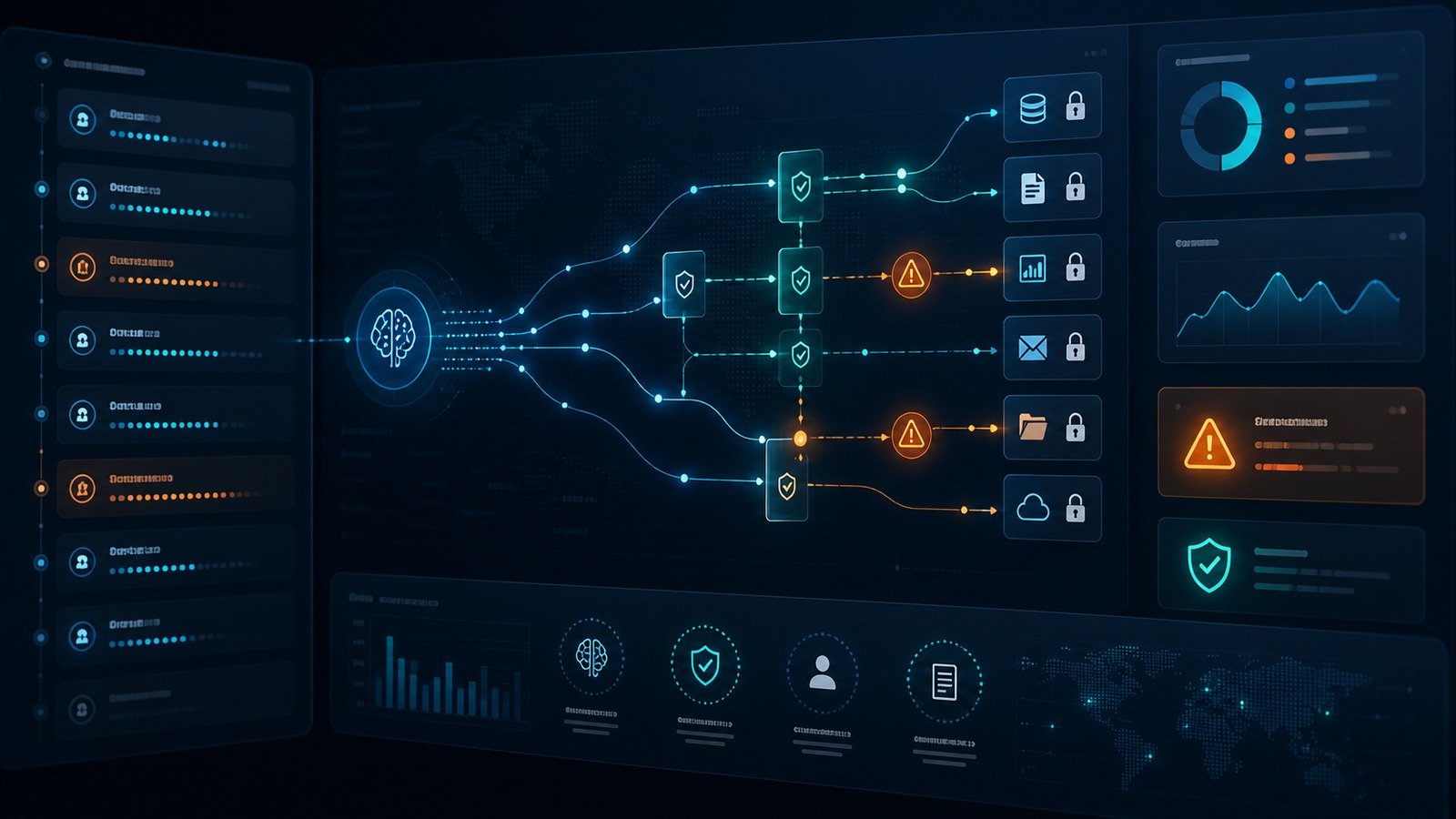
What are AI agent audit logs?
An AI agent audit log is a structured record of activity around an AI-enabled system. A useful log does not only say that “AI ran.” It captures the practical details a founder, operations lead, IT admin, or security reviewer would need after a mistake, data exposure, bad automation, or suspicious action.
At minimum, the log should answer seven questions:
- Who initiated the action? This may be an employee, customer, admin, service account, scheduled workflow, or another automation.
- What was requested? The system should record the task type, prompt category, workflow name, or instruction summary without unnecessarily storing sensitive raw data forever.
- Which data was accessed? Examples include CRM records, uploaded files, email threads, calendar events, support tickets, internal documents, or database objects.
- Which tool or connector was used? For example, Google Workspace, Slack, HubSpot, Stripe, Notion, GitHub, WordPress, Zapier, Make, or a custom API.
- What decision did the AI make? This includes classification results, recommended actions, generated drafts, risk flags, or tool-call choices.
- Was a human approval required? If approval was required, the log should show who approved, rejected, edited, or escalated the action.
- What changed? The most important record is the actual result: file created, contact updated, email sent, ticket closed, data exported, or workflow stopped.
Why audit logs matter more for AI agents than normal SaaS
Traditional SaaS logs usually track human actions: a user signs in, exports a report, changes a setting, or deletes a record. AI agents introduce an extra layer. A human may give a broad instruction, the model may interpret it, and a tool connector may execute multiple downstream actions. Without auditability, the business only sees the final result.
That gap creates several risks. A prompt injection hidden inside a web page or document could influence an AI workflow. A connector may have broader permissions than the task requires. A model may summarize confidential information into the wrong workspace. A well-meaning employee may ask an agent to “clean up contacts” and accidentally change hundreds of CRM records. None of these scenarios require a science-fiction rogue AI. They are normal automation failures with a faster, more flexible decision layer.
This is why the current OWASP GenAI LLM Top 10 is useful for business readers, not just security engineers. It highlights risks such as prompt injection, sensitive information disclosure, excessive agency, and insecure plugin or tool design. Those categories become much easier to manage when every important AI action is logged, scoped, and reviewable.
The business case: faster investigations, safer automation, better vendor choices
Small businesses often delay logging because it sounds like enterprise compliance. In practice, audit logs are operational insurance. They help a lean team answer questions quickly instead of guessing across Slack messages, browser history, SaaS activity feeds, and employee memory.
If a customer says they received the wrong email, logs can show whether a human sent it, an AI drafted it, or an automation approved it. If a document appears in the wrong folder, logs can show which connector touched it. If an AI support workflow starts giving strange answers, logs can reveal whether the issue came from a prompt change, a new knowledge source, a vendor update, or a malicious instruction inside a ticket.
Auditability also improves vendor selection. When comparing AI assistants or workflow automation platforms, do not only ask for feature demos. Ask how the product records tool calls, exports logs, handles retention, redacts sensitive data, supports role-based access, and separates admin actions from everyday user activity. The best product is not always the flashiest AI demo; it is the one you can safely operate after the demo is over.
What a useful AI audit trail should include
A small-business AI audit trail does not need to copy every token into permanent storage. In fact, over-logging sensitive prompts can create its own privacy problem. The goal is enough context to investigate and govern activity without turning the log database into a second warehouse of secrets.
1. Identity and session context
Record the user, workspace, role, authentication method, IP or location signal where appropriate, and whether the action came from a browser session, API key, scheduled workflow, or service account. If the AI system can act on behalf of multiple users, the log must show both the human requester and the technical account that executed the action.
2. Data and connector scope
Every tool call should identify the connected application and the general resource touched. For example: “read CRM contact,” “summarized support ticket,” “queried policy document,” or “created calendar event.” When possible, store stable object IDs rather than copying the full record contents into the log.
3. Prompt and instruction summary
For low-risk work, a normalized instruction summary may be enough. For high-risk workflows, preserve the system prompt version, policy version, workflow name, and a secure reference to the user prompt. This helps teams understand whether the AI followed the intended playbook.
4. Model, tool, and policy versions
If a workflow changes after a model update, connector update, or prompt revision, version data becomes critical. Log the model provider or model family, workflow version, approval policy version, and connector version if your platform exposes them.
5. Decision and confidence signals
If the AI classifies a ticket, recommends a refund, flags a lead, or chooses a next action, record the decision and any confidence or policy signal. Avoid treating confidence as proof, but use it as a triage clue when reviewing unusual behavior.
6. Human approval events
Approval is only useful if it is visible later. Capture who approved, what they saw, whether they edited the AI output, and whether the action was escalated or blocked. This is especially important for outbound email, customer-facing support, billing changes, HR content, financial workflows, and security-sensitive changes.
7. Final outcome
Always log the result. A failed tool call, partial update, retry, timeout, or blocked action may be more important than a successful action. If the workflow triggered multiple downstream steps, each material step should be traceable.
How this connects to NIST AI risk management
The NIST AI Risk Management Framework encourages organizations to map, measure, manage, and govern AI risks. For small businesses, audit logs are a practical bridge between those ideas and daily operations. They help map where AI touches data, measure how often risky workflows happen, manage incidents, and govern who can approve changes.
NIST also released a generative AI profile for the AI RMF, which is helpful when teams are moving from casual AI use toward embedded workflows. You do not need to turn your business into a compliance department. You do need a repeatable way to know which AI systems exist, what they can access, and what happened when they acted.
A small-business AI logging checklist
| Area | What to check | Why it matters |
|---|---|---|
| Identity | User, role, session, service account | Shows who initiated and who executed each action |
| Data access | Files, records, tickets, email threads, objects touched | Helps investigate exposure and over-permissioning |
| Tool calls | Connector, endpoint, action, success/failure | Separates model output from real-world changes |
| Approvals | Approver, timestamp, edits, rejection reason | Proves human review for sensitive workflows |
| Retention | How long logs are kept and how secrets are redacted | Avoids both blind spots and unnecessary sensitive storage |
Where to start this week
Start with your highest-risk AI workflows, not every experiment. Make a list of AI systems that can read customer data, send messages, create records, export files, or trigger automations. Then identify which of those systems already has a usable activity log. For each workflow, decide whether it should be read-only, draft-only, approval-required, or allowed to execute automatically.
Next, review permissions. AI connectors should follow the same least-privilege logic as any other integration. If an agent only needs to read support documentation, it should not have broad drive access. If it only drafts customer replies, it should not send without review. If it updates CRM notes, it should not also be able to bulk-delete contacts.
CISA’s Secure-by-Design guidance is aimed at software manufacturers, but the buying principle applies to small businesses too: prefer products that make secure outcomes easier by default. For AI tools, that means clear permissions, transparent logging, safe defaults, and useful admin controls.
Internal links for next steps
If your team is building an AI security baseline, pair audit logging with the CyberTrendLab guides on MCP security for small businesses, AI data leakage prevention, and prompt injection examples for AI agents. If your main concern is SaaS access, also review the OAuth app permissions audit checklist.
Common mistakes to avoid
Logging only successful actions
Blocked, failed, and retried actions often tell the story first. A series of denied tool calls may reveal a prompt injection attempt, a broken workflow, or an employee using the wrong connector.
Keeping raw sensitive prompts forever
Audit logs should support investigation, not become a new sensitive data dump. Use redaction, object references, shorter retention for high-risk prompt content, and access controls around log review.
Giving every AI workflow admin-level access
Broad permissions make demos easier and incidents worse. Start with read-only or draft-only permissions, then expand only when the business case and review process justify it.
Forgetting vendor and model changes
If an AI workflow behaves differently after an update, version data helps you understand whether the issue came from a prompt change, model change, connector change, or business-rule change.
FAQ
Do small businesses really need AI audit logs?
Yes, if AI can touch business data or trigger actions. A solo founder using a chatbot for brainstorming may not need formal logs. A team using AI inside email, CRM, support, finance, or operations should have enough logging to investigate mistakes and suspicious activity.
Should we store every prompt and response?
Not always. Store enough information to reconstruct important activity, but avoid unnecessary long-term storage of secrets, customer data, or private employee content. Use references, summaries, redaction, and tiered retention where possible.
What is the first AI workflow to audit?
Start with any workflow that sends external messages, updates customer records, accesses confidential documents, exports data, or connects to payment, HR, legal, or security tools.
How often should we review AI logs?
For small teams, a weekly review of high-risk workflows is a realistic starting point. Also review logs after prompt changes, connector changes, model changes, unusual customer complaints, and any suspected data exposure.
Final verdict
AI audit logs are not just a compliance feature. They are the operating record for modern AI automation. If your business is letting agents read data, call tools, or move work between SaaS apps, logging should be part of the rollout plan from day one.
The practical standard is simple: if an AI action could affect a customer, employee, payment, security setting, or important business record, your team should be able to see who started it, what the AI touched, what it decided, whether a human approved it, and what changed.