Cybersecurity News Analysis
Quick take: CISA, NSA, FBI and international partners warned on July 23, 2026 that Russian state-supported actors tracked as LAUNDRY BEAR have been targeting users of Zimbra Collaboration Suite. The campaign matters because it turns a normal business habit — reading email in a webmail client — into a potential data-theft event when servers are still running vulnerable Zimbra versions.
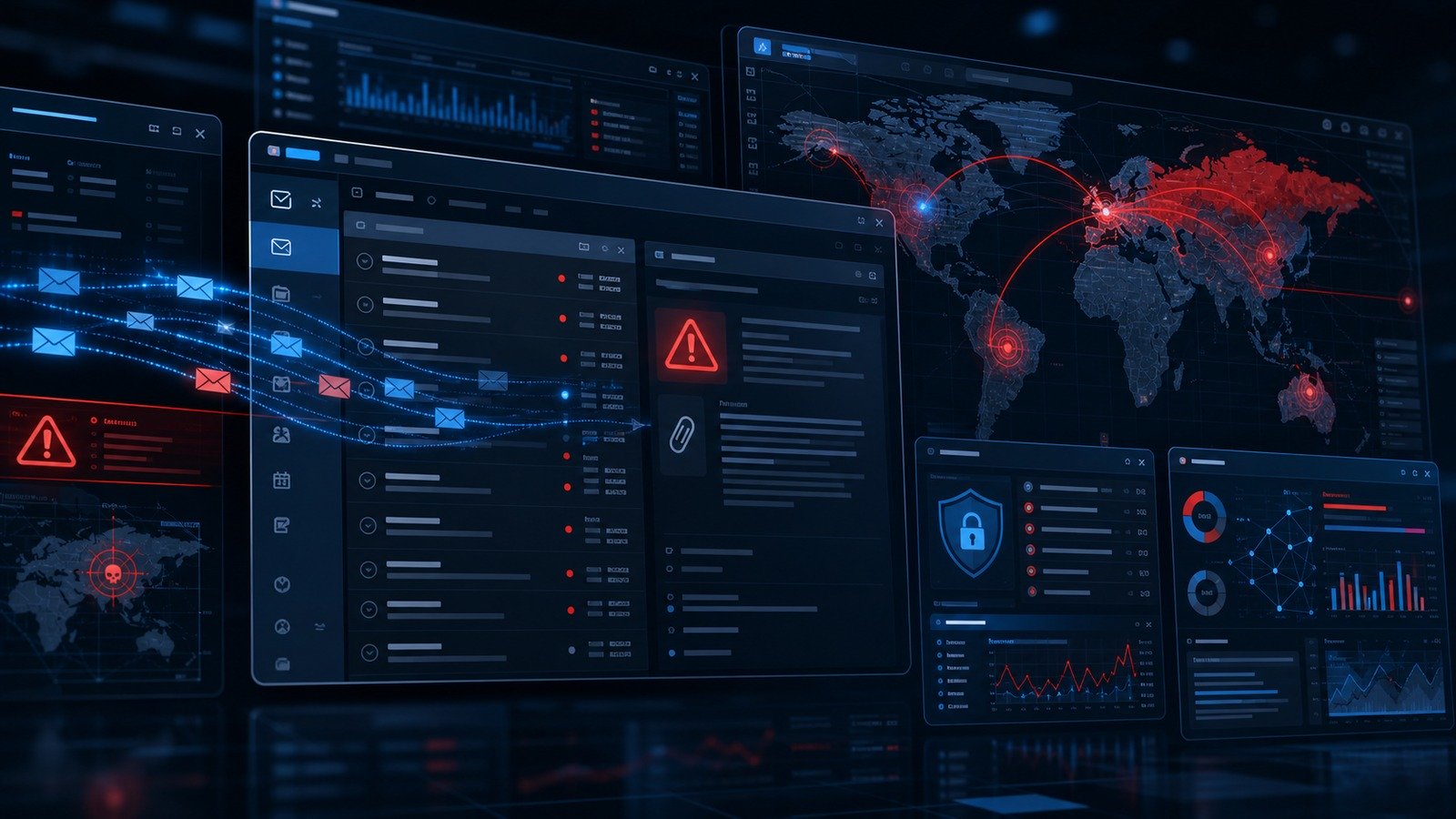
The advisory, AA26-204A, says the campaign has targeted Western government and commercial organizations since at least July 2025. The agencies say the actors are primarily focused on covertly acquiring email data, including recent communications and address-book information.
For small businesses, the practical lesson is simple: if your company hosts its own email collaboration platform, or if a vendor manages one for you, the risk is not limited to suspicious attachments. A vulnerable webmail server can expose mailboxes even when employees do not click a traditional phishing link.
What CISA says is happening
CISA’s advisory says the Russian state-supported group LAUNDRY BEAR has used several initial-access methods in earlier campaigns, including password spraying, phishing and pass-the-cookie techniques. In the latest Zimbra-focused activity, agencies describe a more dangerous pattern: a view-based exploit against vulnerable versions of Zimbra Collaboration Suite.
According to the advisory, the vulnerability, CVE-2025-66376, was patched in November 2025. The concern in July 2026 is that unpatched servers remain attractive targets. When a user views a malicious email in a vulnerable webmail instance, the exploit attempts to steal the victim’s last 90 days of email communications, the organization’s global address list and other sensitive information.
That is why this is more than “another phishing story.” The user action is ordinary. The business impact can be serious. Email accounts often contain invoices, customer records, reset links, legal documents, vendor correspondence, HR notes and internal system details that attackers can reuse in later fraud or intrusion attempts.
Why this matters to small businesses
Large enterprises may have dedicated email security teams, patch-management dashboards and detection engineering capacity. Smaller companies often rely on a managed service provider, a self-hosted mail stack, a small IT contractor or a legacy collaboration server that “still works.” That gap is exactly where old vulnerabilities remain exposed.
The Zimbra campaign highlights three small-business risks:
- Unpatched collaboration servers become high-value targets. Email systems sit close to identity, customer communication and business operations.
- Email compromise creates downstream fraud opportunities. If attackers steal recent threads and address books, they can craft believable invoice-change scams, vendor impersonation and internal phishing.
- Traditional user training is not enough. Employees should still be cautious, but a view-based exploit shifts responsibility back to patching, configuration, monitoring and incident response.
If your company has been tightening security around AI tools, OAuth app permissions or shadow SaaS, this advisory belongs in the same conversation. CyberTrendLab’s recent OAuth app permissions audit checklist covered why inherited access can quietly become a breach path. Email servers are similar: once attackers reach the mailbox layer, they inherit context, relationships and reset channels that make every later attack easier.
The “view-based” part is the real warning
Many small teams still think of phishing as a link-clicking problem. That mental model is outdated. In CISA’s description, the malicious email itself can trigger exploitation when viewed through a vulnerable webmail client. That does not mean every email preview is dangerous on every platform. It does mean businesses should stop treating patching as a low-priority maintenance chore.
The practical test is not “do our employees know not to click suspicious links?” It is “could a vulnerable email platform expose data before an employee has a realistic chance to notice anything?”
This is also why older, self-managed systems deserve extra scrutiny. A hosted Microsoft 365 or Google Workspace environment has its own risks, but most small companies do not directly patch the underlying mail software. Self-hosted or MSP-managed collaboration suites require clear ownership: who checks advisories, who applies emergency updates, who confirms versions, who reviews logs and who decides whether account tokens should be rotated after suspicious activity?
What small businesses should do this week
If you use Zimbra Collaboration Suite, start with CISA’s advisory and your vendor’s patch notes. If you do not use Zimbra, use this as a broader email-security drill. The same operational habits apply to other mail and collaboration platforms.
1. Confirm whether Zimbra is in your environment
Ask your IT provider, MSP or hosting vendor a direct question: “Do we run Zimbra Collaboration Suite anywhere for company email, archives or legacy accounts?” Do not limit the question to the main mail domain. Old migration servers, webmail portals, test instances and acquired domains can be forgotten.
2. Verify patch status, not just policy
Request the exact Zimbra version and the date the latest security update was applied. The CISA advisory says CVE-2025-66376 was patched in November 2025, so any exposed instance should be checked against current vendor guidance and upgraded if it is vulnerable.
3. Review email access logs and suspicious outbound traffic
CISA’s mitigation guidance emphasizes monitoring for abnormal outbound data and suspicious network behavior. Small businesses should ask whoever manages email to review webmail logs, account access patterns, unusual downloads, suspicious forwarding rules and unexpected connections to infrastructure that the business does not use.
4. Rotate credentials when compromise is plausible
If indicators of compromise appear, do not stop at patching. Treat affected accounts as exposed. Reset passwords, revoke sessions, rotate application passwords or tokens, remove unknown forwarding rules and review MFA enrollment. If email content was accessed, assume attackers may use recent conversations for believable follow-up scams.
5. Add mailbox-risk controls to your security stack
CyberTrendLab’s small business security stack argues for layered controls rather than one magic product. For email, that means MFA, strong admin separation, patch ownership, backup retention, phishing-resistant authentication where possible, logging and a simple incident checklist.
How to turn the advisory into a decision checklist
Small businesses do not need a 60-page incident plan to respond intelligently. They need a short list of accountable decisions. Use this checklist in your next IT review:
| Question | Owner | Good answer |
|---|---|---|
| Do we run Zimbra or any self-hosted webmail? | IT/MSP | Inventory includes production, legacy and test systems. |
| Who applies emergency mail-server updates? | IT lead or vendor | Named person, SLA and proof of update. |
| Would we notice mailbox exfiltration? | Security/IT | Logs, alerts and outbound anomaly review exist. |
| What happens after suspected email compromise? | Operations | Credential rotation, session revocation, forwarding-rule review and customer/vendor fraud warnings. |
Do you need to panic if you do not use Zimbra?
No. But you should still learn from the pattern. Attackers keep targeting email because it is one of the few systems that combines identity, trust, business context and recovery channels. Whether your team uses hosted email, a managed Zimbra instance or another collaboration suite, the core discipline is the same: know what you run, patch what you own, monitor the access paths and rehearse the first hour of response.
The same thinking applies to newer AI and SaaS tools. A recent CyberTrendLab guide on AI customer service chatbot security covered how integrations can expose customer conversations when controls are weak. The Zimbra advisory is the older, email-centric version of that lesson: trusted business communication platforms deserve board-level attention because they hold the raw material for the next attack.
Bottom line
CISA’s Zimbra warning is not just for governments or large enterprises. It is a practical reminder for small businesses that email security depends on more than spam filters and employee awareness. If your company owns or depends on self-hosted collaboration software, confirm the patch status now, review suspicious activity and make sure someone is accountable for emergency updates.
If you are not sure whether your business uses Zimbra, ask today. The worst time to discover a forgotten webmail server is after attackers have already turned it into a mailbox export tool.
FAQ
What is Zimbra Collaboration Suite?
Zimbra Collaboration Suite is an email and collaboration platform used for webmail, calendars, contacts and related business communication functions. Some organizations run it themselves, while others rely on hosting providers or managed service providers.
What vulnerability did CISA reference?
CISA’s July 2026 advisory references CVE-2025-66376, a Zimbra vulnerability that the advisory says was patched in November 2025 and exploited by Russian state-supported actors.
What should a small business do first?
Confirm whether Zimbra exists anywhere in your environment, verify the exact software version and patch status, then review logs and account settings if the server may have been vulnerable while exposed.
Is employee phishing training enough?
No. Training still matters, but this advisory shows why patching, logging, MFA, account-token hygiene and incident response are equally important. A view-based exploit changes the risk model from “do not click” to “do not leave vulnerable email software exposed.”