Softr has moved from “turn Airtable into a portal” territory into a broader no-code business app platform: AI-assisted app generation, native databases, workflows, forms, portals, dashboards, permissions, and integrations in one approachable workspace. This Softr review looks at where it fits in 2026, what the current pricing page says, where the platform is strongest, and when a business should choose a more developer-heavy alternative instead.
Best for small teams that need a secure client portal, internal tool, lightweight CRM, inventory app, or operations dashboard quickly, without hiring a full product engineering team. It loses points for teams that need deeply custom backend logic, native mobile app-store deployment, or granular engineering control.

Quick verdict: who Softr is for
Softr is a practical choice for operators, agencies, founders, and department leads who can describe a workflow clearly but do not want to build a custom web app from scratch. The platform’s current homepage positions it as an AI platform for business apps, with apps, databases, workflows, forms, mobile-ready experiences, integrations, and built-in AI assistance. In plain English, that means Softr is trying to cover the middle ground between spreadsheets, off-the-shelf SaaS tools, and custom-coded internal software.
The best use cases are client portals, partner portals, internal CRMs, inventory trackers, team intranets, knowledge bases, dashboards, project trackers, and operations apps. These are situations where the business logic is specific to your team, but not so unique that it requires a custom backend, proprietary algorithms, or extensive engineering. If your current workflow lives across Airtable, Google Sheets, Notion, forms, Slack, email, and manual status updates, Softr can turn that scattered process into a more controlled interface.
The buyer question is not “Can Softr replace every developer?” It cannot. The more useful question is: “Can Softr replace the expensive first version of an internal tool or portal?” For many small businesses, the answer is yes. It can give non-technical teams a structured application with login, permissions, forms, data views, dashboards, and automations much faster than a traditional software project.
Try Softr for no-code business apps
What is Softr?
Softr is a no-code application builder for business apps, portals, internal tools, dashboards, and lightweight systems of record. Users build pages and interfaces visually, connect those pages to data sources, define who can see or edit records, add forms and actions, and publish the result as a working app. Softr’s own site highlights internal-only and external-facing apps, including portals, CRM, inventory management, company intranets, dashboards, ERP-style systems, and knowledge management.
The platform has historically been popular with Airtable and spreadsheet users because it made it easier to create attractive member portals and client-facing interfaces on top of existing data. The current product is broader. Softr now emphasizes a native Softr Database, AI-assisted app creation, workflows, forms, mobile app experiences through progressive web app style deployment, and a larger set of integrations. That matters because many no-code stacks become messy when you need one tool for the database, another for the UI, another for workflows, another for forms, and another for user permissions.
For small businesses, the value is speed plus structure. A team can start with a CRM template, client portal idea, project database, or operations tracker, then build a functional app around it without designing database tables and user interfaces from a blank codebase. Softr does not remove the need to think carefully about data model, permissions, and process design, but it removes a lot of the engineering friction between the idea and the first usable version.
Best Softr use cases in 2026
Client and partner portals
Client portals are the cleanest Softr fit. A services business can give each client a login, show only that client’s projects or files, collect updates through forms, and provide a self-serve dashboard instead of answering repetitive email threads. Agencies can use the same pattern for campaign status, content approvals, reporting dashboards, onboarding checklists, or support requests.
Internal tools and lightweight CRMs
Softr is also strong for internal tools that sit between spreadsheets and full enterprise software. A sales team can build a simple CRM, a recruiting team can manage candidates, an operations team can track vendors, and a finance team can organize approvals. These apps are often too specific for generic SaaS and too small for a six-month custom build. Softr’s visual blocks and user permissions give teams a way to standardize the workflow without waiting on a developer backlog.
Dashboards and reporting surfaces
Many businesses already have the data but lack a usable front end. Softr can turn databases and connected sources into dashboards that are easier for non-technical users to understand. This is not a replacement for a dedicated BI warehouse in a data-heavy company, but it is useful for teams that need clear views, filtered records, approvals, and status updates in one place.
Knowledge bases and intranets
Company intranets, internal directories, onboarding hubs, and knowledge bases are another natural fit. Softr lets a team create a structured place for policies, resources, people, FAQs, and forms, while still controlling access with user groups. For a small company, that can be more maintainable than a patchwork of Google Docs, Slack pins, and old Notion pages.
Key Softr features that matter
AI app builder
Softr’s AI app builder is designed to shorten the blank-page phase. Instead of starting with a wireframe and schema from scratch, you describe the type of app you want, then iterate visually. This is most useful when the workflow is common enough for Softr to infer a sensible starting point: a CRM, client portal, inventory tracker, content approval tool, internal dashboard, or onboarding app. The AI is not a substitute for business judgment, but it can reduce setup time and help non-technical teams see a working prototype quickly.
Softr Databases
Softr’s documentation describes Softr Databases as a relational database tool built directly into the platform. The benefit is that a team can store application data inside Softr instead of relying only on an outside spreadsheet or Airtable base. Softr says the native database approach avoids third-party API rate limits, improves performance, and keeps data and app logic in one interface. The docs also note that databases can start from scratch, use templates, import CSV, or import from Airtable, with fields such as text, number, date, file/image, and relationships.
That matters for business apps because the data model is usually the hidden source of complexity. A beautiful portal is not enough if the underlying records are messy. Softr Databases can be a good choice for new apps where the team wants to create a cleaner structure. Existing Airtable, Google Sheets, Notion, SmartSuite, Xano, Coda, monday.com, Supabase, ClickUp, HubSpot, BigQuery, PostgreSQL, SQL Server, MariaDB, MySQL, and REST API options appear across current plan information, but availability depends on the plan. Check the live pricing page before committing because data-source access is one of the most important purchase variables.
Workflows and forms
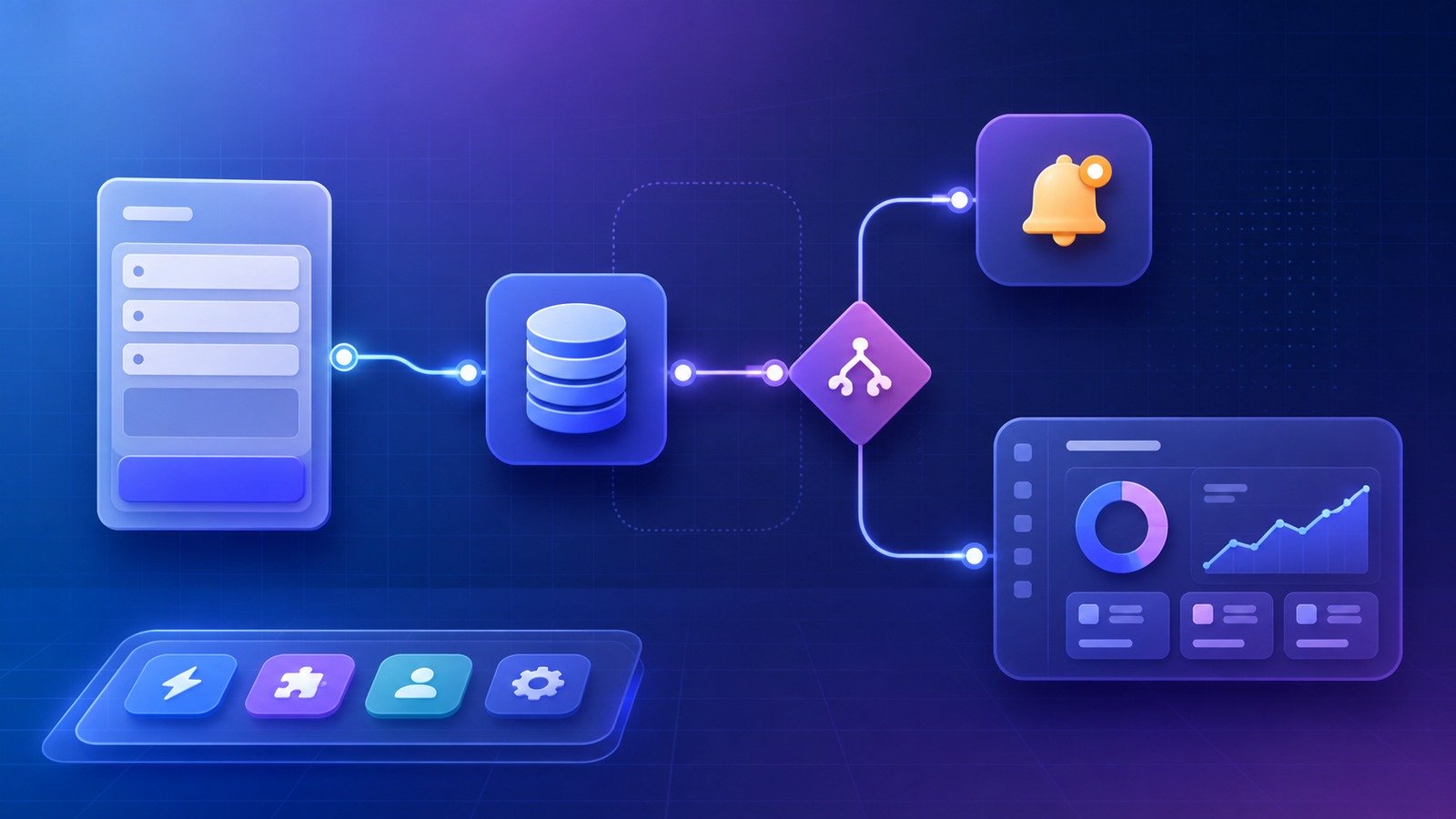
Forms and workflows make Softr more useful than a static portal. Forms collect structured inputs; workflows can automate manual steps such as creating records, sending notifications, updating statuses, or triggering connected tools. Softr’s pricing page currently lists workflow actions across plans, with higher tiers allowing more monthly executions and more advanced utilities. If your use case depends heavily on automation volume, workflow limits should be part of your buying decision, not an afterthought.
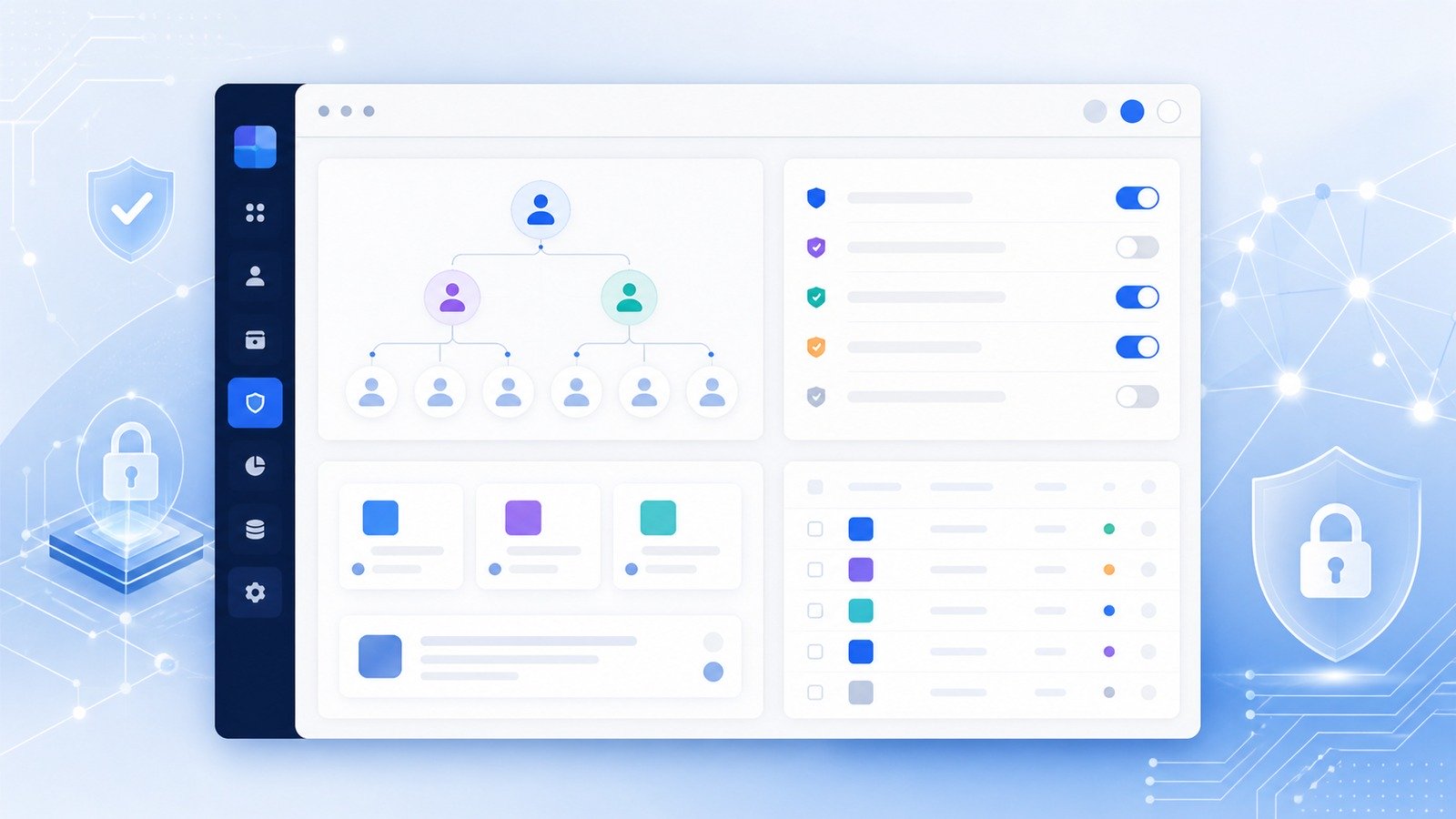
User groups, permissions, and data restrictions
Permissions are a major reason to use a platform like Softr instead of sharing spreadsheets. Softr’s docs describe global data restrictions that can hide irrelevant or sensitive records across dynamic blocks, dropdowns, and filters. A typical example is a client portal where each client should see only their own projects, invoices, files, or support tickets. View data restrictions are documented as available across plans, while create, edit, and delete restrictions are tied to the Business plan and above. That distinction is important: a read-only portal and a fully interactive workflow may land on different plans.
Integrations
Softr’s integration directory includes automation tools such as Make and Zapier, authentication options such as Google Sign In, payment tools such as Stripe Checkout and PayPal, analytics tools such as Google Analytics, Google Tag Manager, Facebook Pixel, and Microsoft Clarity, live chat tools such as Intercom, Crisp, Drift, and HubSpot Chat, and other add-ons including Weglot, Mailchimp, MailerLite, Typeform, Documint, and OpenAI. For most small businesses, the key question is not “How many integrations exist?” but “Do the three or four systems that run our workflow connect cleanly enough?”
Softr pricing: what the current plans say
At the time of writing, Softr’s pricing page lists a Free plan, Basic at $49/month when billed yearly, Professional at $139/month when billed yearly, Business at $269/month when billed yearly, and Enterprise with custom pricing. Softr also shows monthly AI credits by plan and paid AI credit add-ons. Because SaaS pricing changes frequently, verify the live Softr pricing page before purchasing, especially if user limits, data-source access, workflow actions, custom code, or SSO affect your decision.
The Free plan is useful for testing the platform and validating whether Softr fits your app idea. Current pricing-page information lists 10 app users, 5,000 Softr Database records, 500 workflow actions, unlimited forms responses, and default user groups. That is enough for experiments and early prototypes, but most real business apps will outgrow it.
Basic, currently listed at $49/month when billed yearly, is for simple projects. It adds capacity, but it is still not the obvious choice for serious portals with complex permission needs or advanced data sources. Professional, currently listed at $139/month when billed yearly, is the more realistic starting point for companies building portals and internal tools because it expands users, records, workflow actions, and user groups. Business, currently listed at $269/month when billed yearly, is the plan to evaluate when advanced systems, higher app-user counts, broader data-source access, REST API connections, global create/edit/delete restrictions, and larger workflow needs become important.
The pricing lesson is simple: do not judge Softr only by the entry price. Map your app against five dimensions first: number of app users, database records, required data sources, permission model, and workflow action volume. A team that only needs a simple read-only portal may be fine on a lower tier. A team that needs multiple user groups, advanced external data sources, high automation volume, and editable client records should expect to compare Professional, Business, and possibly Enterprise.
| Plan | Best fit | Watch closely |
|---|---|---|
| Free | Prototype and proof of concept | User, record, and workflow limits |
| Basic | Simple app or small portal | Whether the needed permissions and data sources are included |
| Professional | Most small-business portals and internal tools | App-user packs, workflow volume, custom groups |
| Business / Enterprise | Advanced systems, bigger teams, security-sensitive apps | API/data-source access, SSO, audit/security needs, custom limits |
Pros and cons
Pros
- Fast time to value: Softr is built for teams that need a working app quickly, not a long software project.
- Strong portal fit: Client portals, partner portals, intranets, and dashboards map naturally to Softr’s blocks and user permissions.
- Native database option: Softr Databases reduce dependence on external spreadsheets for new apps.
- Business-friendly permissions: User groups and data restrictions are more practical than sharing raw databases with clients or contractors.
- AI-assisted starting point: The AI app builder can shorten ideation and setup for common business apps.
- Broad enough integrations: Automation, authentication, payments, analytics, chat, email, and form tools cover many small-business workflows.
Cons
- Not a full custom development platform: Complex backend logic, unusual data flows, and highly specialized UX may outgrow it.
- Plan selection can be non-trivial: Data sources, user groups, workflow actions, custom code, and security features vary by tier.
- No-code still requires architecture: A poorly planned database or permission model can produce a messy app even if the builder is easy.
- Advanced security needs require scrutiny: Larger teams should check SSO, audit logging, IP blocking, data residency, and compliance needs directly with Softr.
- Performance depends on design: Too many blocks, heavy external sources, and messy data can make no-code apps feel slower than expected.
Security and governance considerations
Softr markets enterprise-grade security and scale on its homepage, including GDPR readiness, SOC 2, uptime, and SSO. That is reassuring, but a buyer should still separate platform security from app design security. A secure platform can still host a poorly configured portal if user groups, record restrictions, public pages, form actions, and connected data sources are not designed carefully.
For client portals, the first governance task is record-level access. Confirm exactly how each user group maps to records. Test with multiple fake users before inviting real clients. Check whether “view only” restrictions are enough or whether users need to create, edit, or delete records. Softr’s docs make that distinction meaningful because create/edit/delete restriction capabilities are higher-tier features. For internal tools, think about employee offboarding, least privilege, admin roles, app builders, and who can change workflows that affect production operations.
For businesses in regulated or sensitive industries, Softr should be evaluated like any other SaaS vendor. Ask about data residency, subprocessors, SSO, audit logs, backup expectations, export procedures, role design, incident response, and whether the app will store personal, financial, health, or customer-confidential information. Softr can be a strong tool, but no-code does not remove the responsibility to document how access is controlled.
How Softr compares with alternatives
Softr is easier and faster than developer-first frameworks, but less flexible than building custom software. Compared with Bubble, Softr usually feels more focused on business portals and data-backed apps, while Bubble is often a better fit for more custom product logic and marketplace-style apps. Compared with Glide, Softr can be better for web portals and internal business interfaces, while Glide is often attractive for mobile-first internal apps. Compared with Airtable interfaces, Softr offers a more polished portal and app layer, but Airtable may still be the central database for teams already committed to it. Compared with hiring developers, Softr is faster and cheaper for a first version, but custom development wins when the application becomes a core proprietary product.
A practical way to decide is to sketch the workflow. If the app is mostly records, roles, forms, status changes, dashboards, and notifications, Softr deserves a serious trial. If the app requires custom algorithms, unusual realtime behavior, complex multi-tenant billing, native mobile app-store distribution, or a proprietary backend architecture, treat Softr as a prototype layer rather than the final platform.

Recommended setup workflow
- Pick one workflow: Do not start with “replace operations.” Start with “client onboarding portal,” “vendor tracker,” “content approval dashboard,” or “inventory request app.”
- Draw the data model: List the records, fields, relationships, statuses, and files the app needs. Decide whether Softr Database or an external source should own the data.
- Define user groups: Identify admins, staff, clients, partners, contractors, and viewers. Write what each group can view, create, edit, and delete.
- Build a minimum portal: Create the core pages, connect blocks to data, add forms, and set basic navigation.
- Add workflows last: Automate repetitive steps after the manual flow works. This keeps you from automating a broken process.
- Test with fake users: Confirm that each user sees only the right records and buttons. This is especially important for client portals.
- Review pricing fit: Compare your real app against users, records, data sources, workflow actions, and permissions before upgrading.
Hands-on evaluation checklist before you upgrade
The smartest Softr trial is not a design exercise. It is a workflow test. Before upgrading, build one small app that includes the same ingredients your real app will need: a real data table, at least two user groups, one form, one dynamic list or table, one detail page, one status change, and one workflow. If the trial app cannot handle that miniature version cleanly, the full production app will probably be frustrating too.
Start by importing or creating a sample database with realistic fields. Do not use toy data with three columns if your real client portal needs files, owners, statuses, due dates, comments, account names, and permissions. Then create user groups for admin, internal staff, and external users. Log in as each test user and check whether the navigation, records, buttons, and forms match the access model. This is where many no-code builds fail: the app looks good as an admin, but the client or contractor experience exposes missing filters, confusing labels, or permission gaps.
Next, test the update loop. A useful business app is not just a read-only dashboard. Can a client submit a request? Can a team member review it? Does a status change appear where it should? Does a notification or workflow action fire reliably? Can a user find the record again later? If the app replaces email, spreadsheet updates, or Slack follow-ups, the test should measure whether those manual steps actually disappear.
Finally, compare the working prototype against Softr’s pricing dimensions. Count the real number of people who will log in, not just employees. Estimate records after twelve months, not launch week. Check whether the required data source is on the plan you intend to buy. Confirm whether your permission needs are view-only or create/edit/delete. Review workflow action volume if automations will run every day. This avoids the classic no-code mistake: choosing a tool because the prototype was fast, then discovering the production workflow needs a different tier or a different architecture.
Who should use Softr?
Use Softr if your team needs a portal, dashboard, operations app, internal CRM, intranet, knowledge base, approval workflow, or lightweight business system that can be built from structured records and role-based access. It is especially attractive for agencies, consultants, service businesses, property teams, education programs, nonprofits, small sales teams, and operations-heavy SMBs that want to reduce spreadsheet chaos without committing to a custom software build.
It is also a good fit for founders validating an internal product idea. You can use Softr to test whether users actually need the portal, what records matter, how the workflow should behave, and which integrations are required. If the concept later needs custom engineering, the Softr version still gives you a clearer specification than a slide deck.
Who should not use Softr?
Skip or postpone Softr if your application depends on deep custom backend logic, heavy real-time collaboration, native mobile app-store features, extremely customized front-end interactions, low-level database control, or strict compliance requirements that cannot be satisfied through Softr’s enterprise controls. Also be cautious if the app is a core revenue-generating software product where you expect engineering differentiation to matter. In that case, Softr may still be useful for prototyping admin panels or customer portals, but not necessarily for the primary application.
Final verdict
Softr is one of the more business-friendly no-code platforms in 2026 because it focuses on the unglamorous software companies actually need: portals, internal tools, databases, forms, workflows, permissions, and dashboards. The AI positioning is useful, but the deeper value is operational: turning scattered processes into controlled apps that people can actually use.
The main buying decision is plan fit. Softr can look inexpensive when judged by the free or entry plan, but real business apps should be evaluated against user limits, record limits, data-source requirements, workflow usage, permission complexity, and security needs. If those line up, Softr can save weeks or months compared with custom development. If they do not, the same no-code speed can create constraints later.
For small businesses that want a polished client portal or internal tool without a full engineering project, Softr is absolutely worth testing. Start with one workflow, design the data model carefully, verify permissions with test users, and only then scale it across the business.
FAQ
Is Softr good for client portals?
Yes. Client portals are one of Softr’s strongest use cases because the platform combines login, user groups, data views, forms, and record restrictions in a visual builder.
Does Softr have a free plan?
Yes. Softr’s current pricing page lists a Free plan for testing and early prototypes. Check the live pricing page for the latest user, record, workflow, and AI credit limits.
Can Softr replace Airtable?
Sometimes. Softr Databases can store application data natively, but many teams still use Airtable, Google Sheets, Notion, SmartSuite, Xano, or other sources depending on the plan and workflow. The best choice depends on whether the app is new or already anchored in an existing database.
Is Softr secure enough for business apps?
Softr provides business security features and documentation around permissions, data restrictions, SSO-related options, and app security. Buyers should still test user-group access carefully and evaluate compliance, audit, data residency, and incident-response needs before storing sensitive data.
What are the best Softr alternatives?
Common alternatives include Bubble for more custom web-app logic, Glide for mobile-friendly internal apps, Airtable interfaces for teams already living inside Airtable, and custom development for proprietary products with unique backend requirements.
Disclosure: CyberTrendLab may earn a commission if you buy through links in this article, at no extra cost to you. We only include tools when they fit the topic and reader use case.